TEAM SOLUTIONS
 WORKFLOW SOLUTIONS



 REVIEW TOOL
 PROJECT MANAGEMENT
 TOOLS & INTEGRATIONS
 CLIENT INTERVIEWS






Last updated: July 2026
As the market grows, every online proofing tool looks for ways to stand out, whether through special offers and discounts or bigger moves like rebranding and marketing pushes.
However, there’s a third way: adding a new feature. The more a proofing tool has, the less advantage it leaves for competitors. It covers a wider range of customers’ needs, making the software interesting to a wider audience. Does it mean, though, that software with the most features equals the best software? Well, today we’re going to find out.
What Is Digital Proofing Software?
Instead of chasing feedback across emails, notes, and attachments, teams upload a file once and let reviewers comment, mark up, and approve it in one shared space. Every round of feedback stays attached to the exact file version it was left on, so nothing gets lost when a project moves from draft to final. The result is a single source of truth showing, at a glance, who’s approved what and what’s still waiting on a decision.
However, not every team is actually drowning in review chaos. So before you invest in a new tool, it’s worth checking whether these pain points actually sound like yours.
Do I Need Digital Proofing Software?
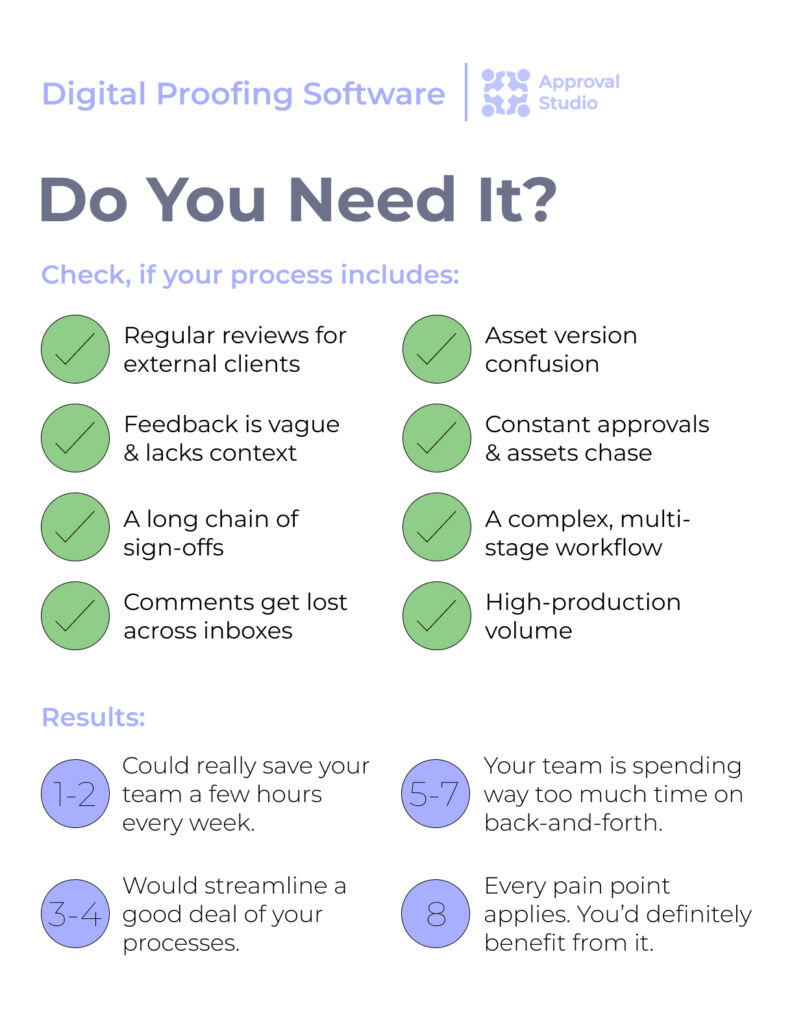
The honest answer is that it depends less on your industry and more on whether you have several people who need to weigh in on creative work before it goes out the door.
For example, marketing teams that work with campaign assets, social posts, and landing pages often need sign-off from legal, brand, and leadership before a single launch date. And that’s hard to coordinate without a structured review flow.
Agencies run into a similar problem multiplied across several client accounts at once, where a clear, professional review process is often what separates a trusted partner from a chaotic one.
The stakes get higher in other industries, like retail and e-commerce. Brands producing packaging and product photography at scale can’t afford a compliance or labeling error slipping through, since fixing it after production runs is far costlier than catching it in review.
Architecture and design firms lean on online proofing tools to confirm blueprints and renderings are accurate and ready to execute. And in tightly regulated fields, every outgoing communication typically needs a documented review trail.
71%
of respondents report that tracking feedback and sharing files are some of their biggest challenges in dealing with increased workloads.
Source: Adobe, 2024 link↗
So if your team already recognizes any of these patterns (multiple stakeholders, high production volume, or a need to prove that something was reviewed), that’s usually a sign you’re past the point where email and shared folders can keep up.
What Should I Look For In Digital Proofing Software?
Since you’re still here, I guess you have already decided you need an online proofing tool. But what does a tool need to offer for you to choose it over all the others? To be honest, it all comes down to these 8 core features:
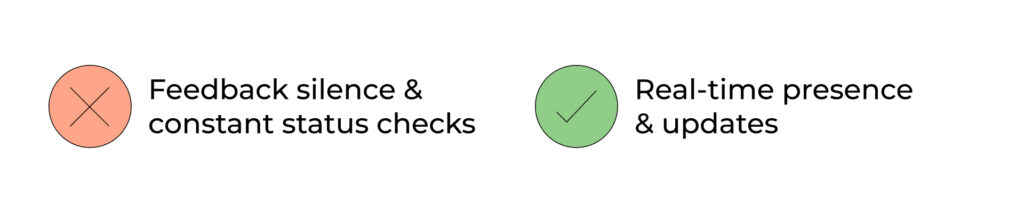
Real-time presence and updates
You should be able to see who is actively viewing a project and when they last opened it. Live comment notifications mean nobody has to schedule a status check meeting to find out where a review stands.
In the right proofing tool, the dashboard shows you that information instantly, so you always know if a stalled review is waiting on a client or your own team.
This solves the common problem of feedback silence, where a project sits untouched for days, and nobody knows why. It shortens approval cycles and keeps everyone accountable because delays become visible right away rather than surfacing only after a deadline is missed.
Markup and annotation tools
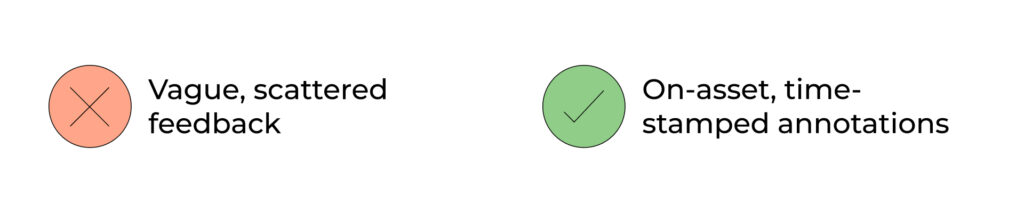
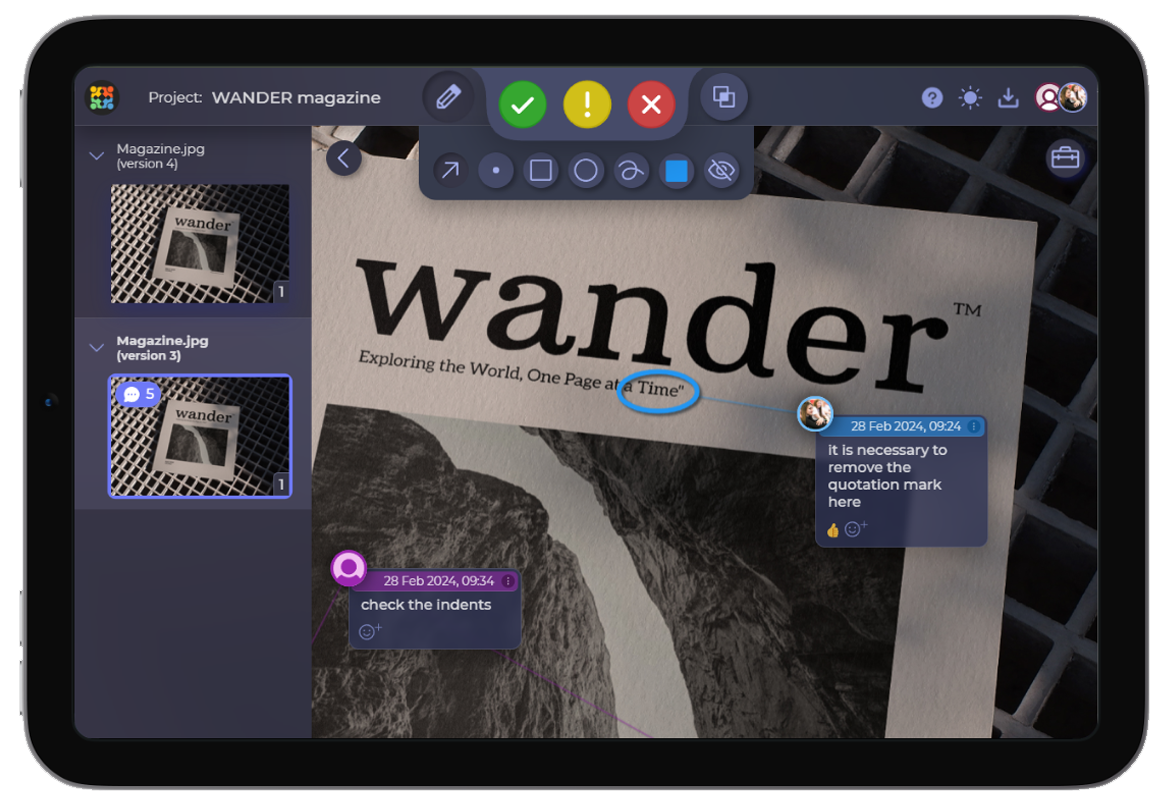
Look for tools that let reviewers pin a comment to an exact pixel or timestamp. This removes the guesswork of vague feedback like move that a little to the left, which forces a designer to guess what a little actually means.
On-asset annotations solve the back-and-forth problem where a whole review round gets wasted just clarifying what a comment meant. Designers spend less time interpreting notes and more time fixing them, which means fewer review rounds and faster sign-off overall.
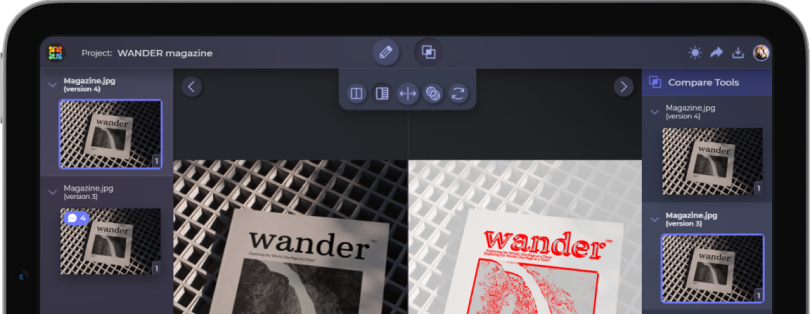
Version control and side-by-side comparison
Good software compares versions automatically. Reviewers should not have to spot what changed between file_final and file_final2 by eye, since manual comparison is slow and easy to get wrong.
So the tool surfaces the differences for them, highlighting exactly what moved, changed, or got cut. This solves two problems at once: it prevents sign-off on the wrong version, and it saves reviewers the time they would otherwise spend hunting for changes. Skip it, and teams risk approving outdated work or repeating feedback on edits that were already made.
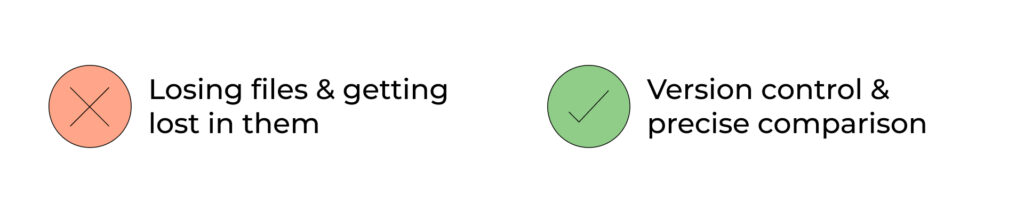
Role-based permissions and external access
Clients should be able to comment and approve without creating an account. This removes the biggest adoption barrier for external reviewers, since most clients will not bother signing up for another tool just to leave one round of feedback. And a good proofing solution lets you invite stakeholders via email or a quick short link.
Meanwhile, role-based permissions let you control what each person can see or change, so a client cannot accidentally edit notes meant for your team. Together, these keep feedback inside the platform instead of leaking back out to email threads you cannot track.
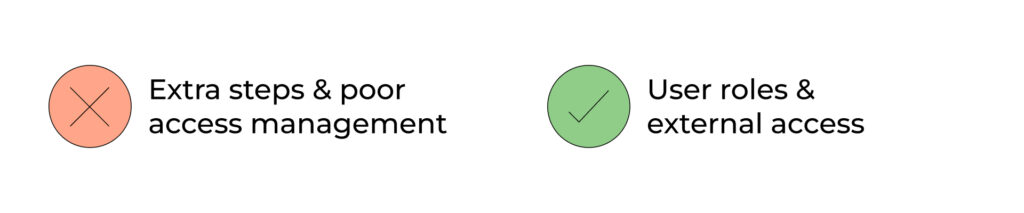
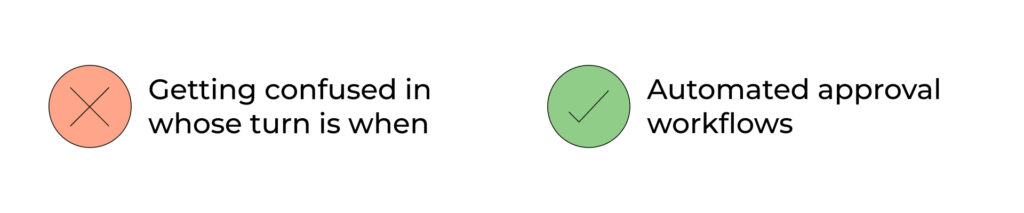
Automated approval workflows
Look for tools that trigger review stages automatically, whether sequential or parallel, based on rules you set up once. Nobody has to manually chase the next reviewer or remember whose turn it is.
This solves the common bottleneck where a project stalls simply because no one told the next person it was their turn. Once that is fixed, projects keep moving even when you are not actively managing every step yourself, which frees you up to work on other things instead of babysitting the approval chain.
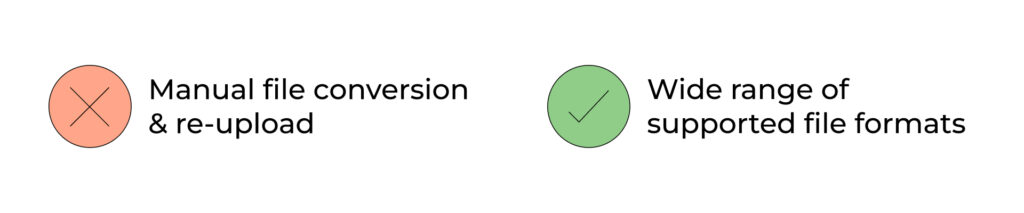
Support for multiple file types (print, video, web)
Your proofing tool should natively support the formats your team actually produces. That includes high-res print, pre-press, video, and HTML5 or web banners. This means you can upload real production files without a conversion step, which saves prep time on every review cycle.
Without native support, your team wastes time exporting and re-uploading files, and details like color profiles or animation timing can get lost along the way. A good online proofing tool is supposed to make your life easier, not vice versa.
Audit trail and compliance reporting
An exportable record of every comment, decision, and timestamp lets you prove sign-off happened, and prove exactly who approved what and when. This matters for regulated industries like pharma or packaging design, where a missing paper trail can hold up a launch or trigger a compliance review.
Without an audit trail, you have no way to settle a dispute over who approved a design, which can turn costly if an error makes it to print or goes live.
High-level data security and backup
Check for certifications like ISO 27001, GDPR, or PCI DSS, which confirm a vendor follows recognized security standards rather than just claiming to. Clear backup policies also matter, since a lost or corrupted file can set a project back by days.
Together, these protect your client and project files against loss or a breach, both of which can damage client trust and expose your business to liability. Many clients, especially larger ones, will not agree to use a shared tool without this in place, so weak security can cost you the account entirely.

What To Look For In Proofing Software: Nice-To-Have Features
Only after the software has the features above can we consider these nice-to-haves. I mean, you can already proof with the stack above, but consider the following for better results:
Integrations with your existing stack
Native integrations with Adobe Creative Cloud, Slack, and project management tools mean proofing plugs directly into how your team already works. It becomes part of the process instead of a separate step everyone has to remember, which matters because extra manual steps tend to get skipped under deadline pressure. For a more high-level connection, look for software with a native API.
Good integrations solve the problem of feedback living in one app while the actual files live in another. So your team is not constantly switching tabs or copying comments by hand.
Custom company branding
For agencies, the ability to white-label the review interface with your own logo and colors makes the tool feel like part of your service rather than a third-party add-on. The same goes for custom emails through which you reflect your business. This matters because clients associate a polished, branded experience with professionalism.
Without it, every review session is a small reminder to the client that you outsourced part of your process, which can quietly undercut the value they see in working with you.
Mobile access or IOS/Android app
A usable phone experience means approvers who are away from their desk can still review and sign off in real time. Otherwise, a file sits untouched until they are back at a laptop, which can add hours or even a full day to a review cycle if a key approver travels often or spends most of the day in meetings.
You should really consider this feature if your team deals with busy stakeholders or clients who rarely sit at a desk.
Transparent and scalable pricing
Pricing structure matters more than it seems at first glance, especially once a project grows beyond your core team. Flat-rate plans with unlimited external reviewers tend to scale far better than per-seat pricing, because per-seat models charge you for every client contact, freelancer, or stakeholder you invite into a review.
Flat-rate pricing removes that penalty entirely, letting you add as many external reviewers as a project needs without recalculating costs every time. That predictability also makes budgeting far simpler: instead of forecasting seat counts months in advance or rationing who gets access to save money, you can plan around one stable number and focus on the review process itself rather than the bill it might generate.
What to Avoid When Choosing Digital Proofing Software
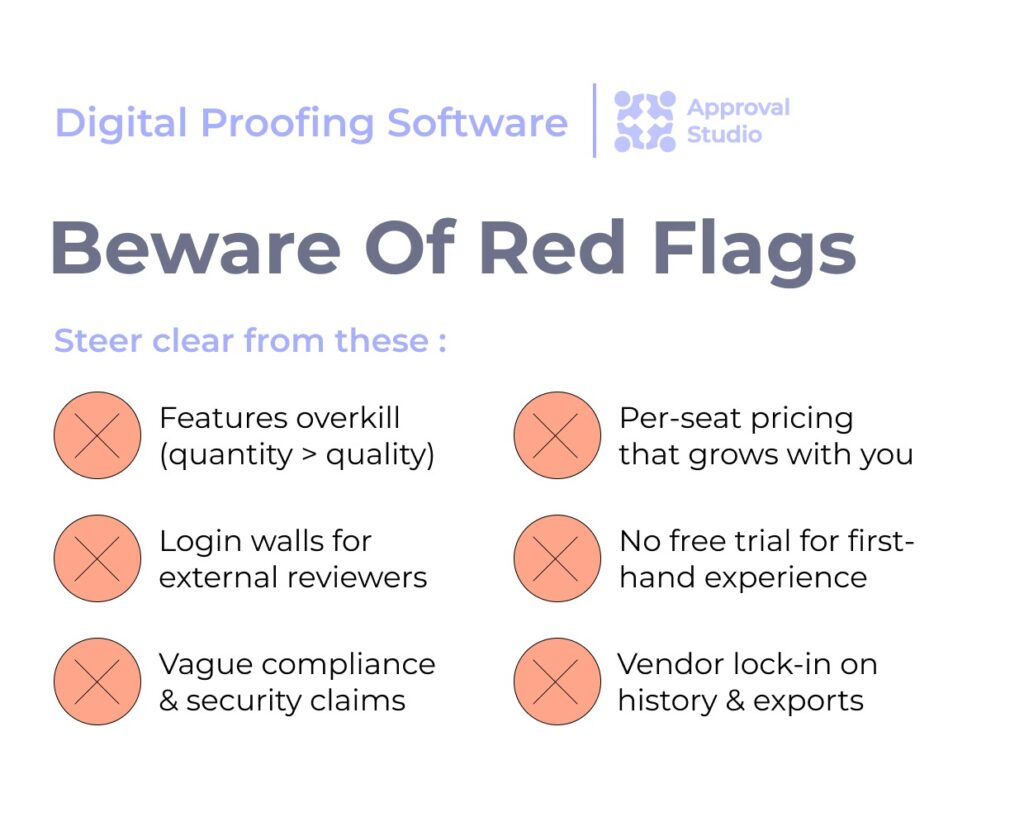
Now that we’ve covered all the best sides to digital proofing tools, let’s look into its red flags. So think twice before signing up for a tool if you notice any of the following:
Features without substance
Going back to our initial question: no, feature quantity does not equal quality. Picking the tool with the longest feature list often means paying for capabilities your team will never use. Instead, pick the one that fits your actual review workflow.
A platform can also overlook the quality of such features, wanting to write loud headlines rather than make an actually good product. Additionally, a long feature list can also mean a more cluttered interface, which slows reviewers down instead of helping them. Anyway, the truth remains: more doesn’t mean better.
Login walls for external reviewers
Once again, if clients need to create an account just to leave feedback, expect low adoption. Most will revert to emailing comments instead, since creating a new login for a single project is unnecessary friction. Especially to someone outside your team.
This defeats the purpose of centralizing feedback in the first place, and you end up right back where you started. And that is with comments scattered across email threads instead of tracked in one place.
Vague compliance claims
Statements like “we take security seriously”, without naming specific certifications or data storage locations, are a big red no-no. Vague language like this usually means the vendor either lacks formal certifications or is hoping you will not ask for specifics.
Treat this carefully if you handle regulated or client-sensitive material, since a vendor that cannot name its certifications, encryption practices, or server locations may put you at risk of a compliance failure you cannot fully control.
Per-seat pricing that grows with you
Costs that scale per reviewer can boil up quickly once you add external clients and stakeholders. That’s exactly how a tool that looks affordable at signup can become expensive a year in. Especially if your team grows or you take on more clients who each need their own reviewer seats.
This pricing model builds up alongside your success, since the more your business grows, the more the tool costs you to keep using. Don’t stumble in that snare.
No or short free trial
Do not choose a tool based on a feature list or a sales demo alone. It’s very important to run an actual file and reviewer through it first, using the file types and team members you actually work with. Usually, digital proofing tools offer a free plan or a free trial period that gives you the possibility of firsthand experience. Most last two weeks, which is a good enough window to test all you need.
Otherwise, workflow friction will not surface until after you have already committed. Unfortunately, problems like slow uploads, confusing permissions, or missing file support only show up once it is too late to easily switch.
Vendor lock-in on history and exports
Last but not least (actually like super important), check if you can export your comment and approval history easily. In case you cannot, if you decide to switch tools later in the future, it means losing that record entirely. And the same stands with the audit trail you may need for compliance or client disputes.
This is worth checking before you commit, since by the time you want to leave a tool, you may already depend on the history stored inside it. Another trick that keeps you hostage.
What Are The Leading Digital Proofing Tools?
By now you know what to look for and the real question shifts to which tools actually deliver on it. And to give you the short answer, Approval Studio, Ziflow, PagePoof, GoVisually, and ReviewStudio all check the must-have boxes we’ve covered above, but that’s where the similarities end.
Where they really diverge is the pricing model, how deeply they integrate with the rest of your stack, and the team size they’re built to support.
The digital proofing software comparison below breaks down how each one stacks up, so you can skip the trial-and-error and go straight to whichever option actually fits your workflow. Additionally, we cover that wider landscape in our full breakdown of the best online proofing tools for 2026.
| Tool | G2 | Standout feature | Best For | Starting Price | Free trial |
|---|---|---|---|---|---|
| Approval Studio | 4.8 | Intuitive, flat-rate approval workflows for creative and packaging teams | Small-to-mid creative, packaging, and branding teams & freelancers | $60/mo | Yes (+ ExpressReview) |
| PageProof | 4.8 | Extremely secure and has strong workflow automation | Enterprise teams needing security, compliance & AI-assisted review | $249/mo (Teams) | Yes |
| Ziflow | 4.5 | Visual workflow builder for cross-functional creative review | Larger marketing and creative teams/agencies with high-volume workflows | $199/mo (Standard) | Yes (+ free plan) |
| GoVisually | 4.4 | Design, video, and PDF review for small creative teams | Small creative teams & freelancers needing lightweight review | $10/user/mo (for 1 to 5 users) | Yes |
| ReviewStudio | 4.7 | Strong multi-media support across images, PDFs, video, audio, and HTML content | Small teams and ad agencies wanting simple multi-format review | $12/user/mo (Pro) | Yes (+ free plan) |
| Filestage | 4.6 | Broad file format support across marketing and creative content | Marketing/creative agencies in regulated industries | €199/mo (Starter) | Yes (+ free plan) |
| Wrike | 4.2 | Creative proofing bundled with full project management | Teams that want proofing built into a full project management platform | $10/user/mo (Team) | Yes (+ free plan) |
| Marker.io | 4.8 | Visual bug reporting with auto-captured technical/console data and session replay | Web/product dev and QA teams doing visual bug reporting on websites/apps | $39/mo (Starter) | Yes |
| Frame.io | 4.5 | Camera to Cloud (C2C) instant footage upload from set to cloud | Video production teams and studios needing camera-to-cloud footage review | $15/user/mo (Pro) | Yes (+ free plan) |
Final Words
All in all, this article seems to be yet another proof that quantity doesn’t always equal quality. And you don’t need a myriad of various features for a digital proof or a marketing campaign approval. See, digital proofing software succeeds or fails on the fundamentals.
Real-time visibility, clear markup, version control, and permissions that keep external reviewers out of your internal workspace are what matter most. Integrations, branding, and mobile access are a bonus once those basics are covered.
Everything else is optional and only makes sense if your workflow really calls for it. Use the comparison table above as a starting point and confirm the details that matter most to your workflow with a real trial before you commit. Good luck!