





TEAM SOLUTIONS
WORKFLOW SOLUTIONS
REVIEW TOOL
PROJECT MANAGEMENT
TOOLS & INTEGRATIONS
TEAM SOLUTIONS
WORKFLOW SOLUTIONS
<!–
–>
<!–
–>
REVIEW TOOL
PROJECT MANAGEMENT
TOOLS & INTEGRATIONS
No logins and no software to install: just a link to the latest render or drawing set. Clients point to what they want changed, your team sees exactly what they’re asking, and architecture project management no longer depends on who answered the email.
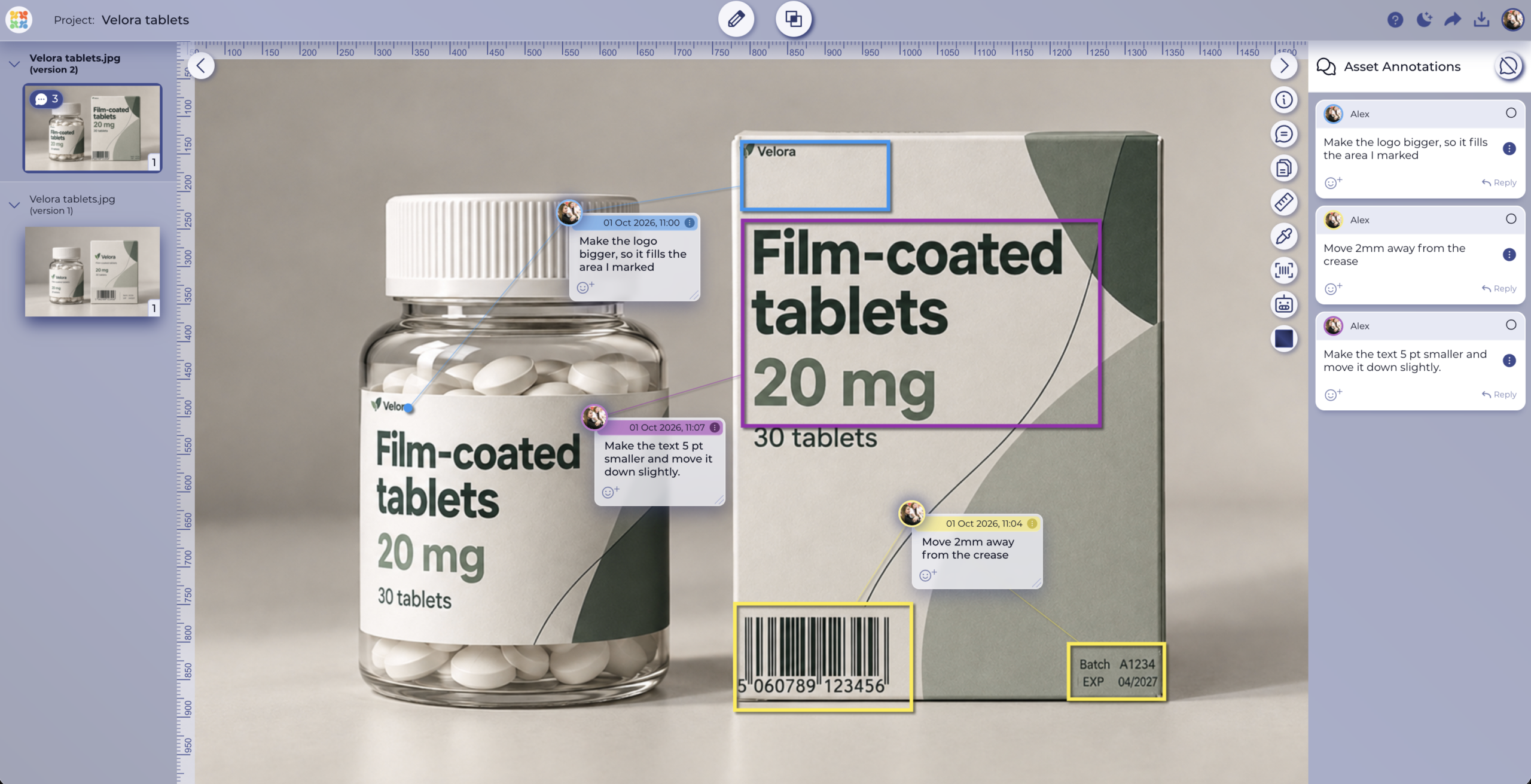
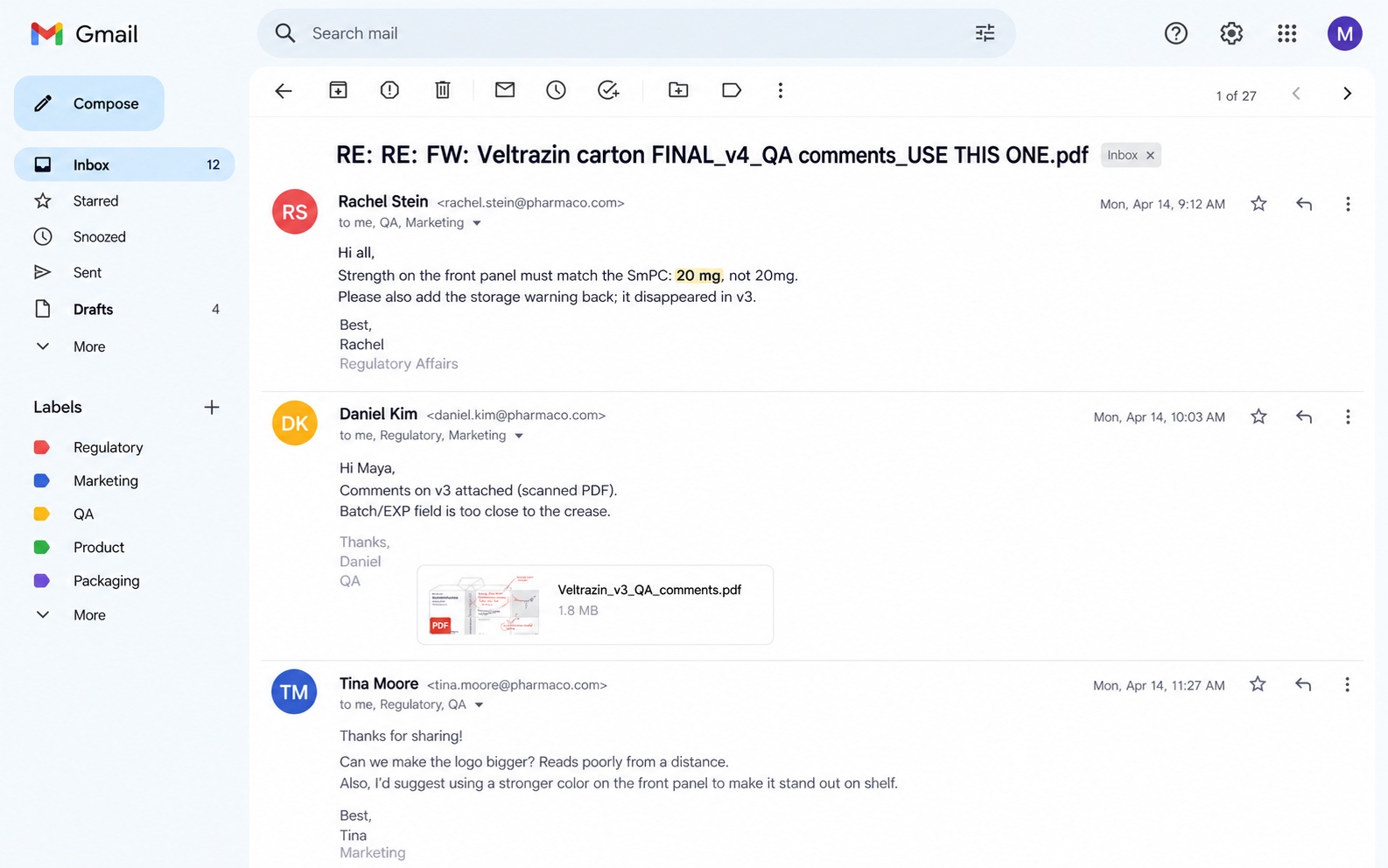
Pharmaceutical artwork approval is the review and sign-off of every printed component of a medicine or medical device, including labels, cartons, leaflets, and IFUs, before it goes to print. Labeling and packaging issues cause roughly 1 in 5 FDA drug recalls. Approval Studio keeps every reviewer on the same file and every sign-off on record, so errors get caught in review, not in the market.
WITH APPROVAL STUDIO
BEFORE
Drag to compare
Reviewers comment directly on the sheet or the render with five annotation shapes, and replies stay threaded under each comment. Teams that need PDF markup software for architects can review full drawing sets, check spacing with the on-screen ruler, and sample a finish color with the eyedropper, all without installing anything.
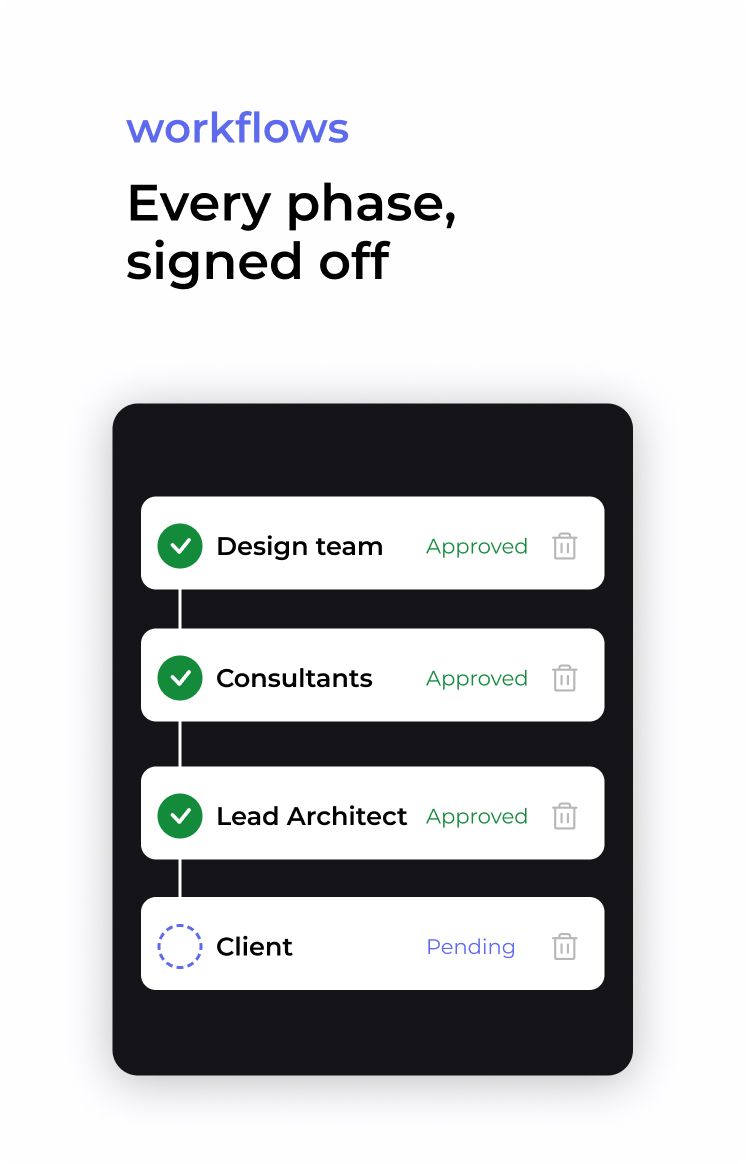
A “looks good” in an email isn’t enough to move a design to the next phase. Set up approval workflows with steps for your team, your consultants, and the client, and give each step a due date. Each one starts only when the one before it is approved. You also choose if one person in a group can approve or if everyone has to.
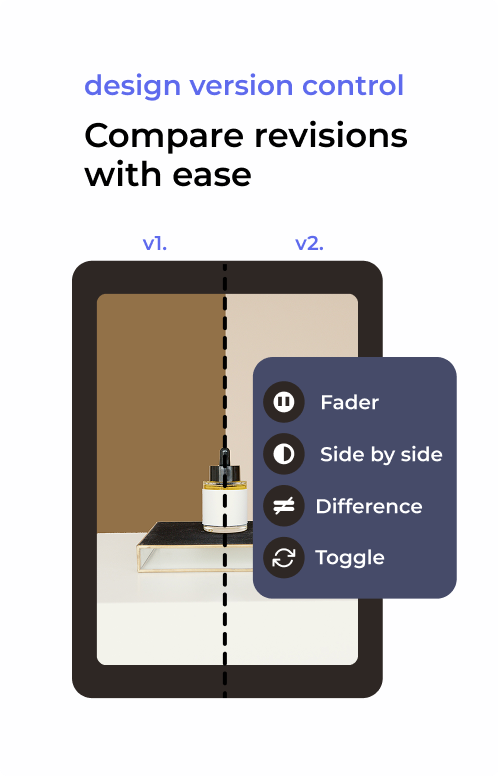
When a sheet comes back from a consultant, you shouldn’t have to read it line by line. Use compare modes instead. Difference Highlight marks everything that changed, so a dropped grid note stands out right away. You can also flip between two renders with Toggle to judge a new material, use Fader to see whether a window has shifted, or open both Side by Side and comment as you go.
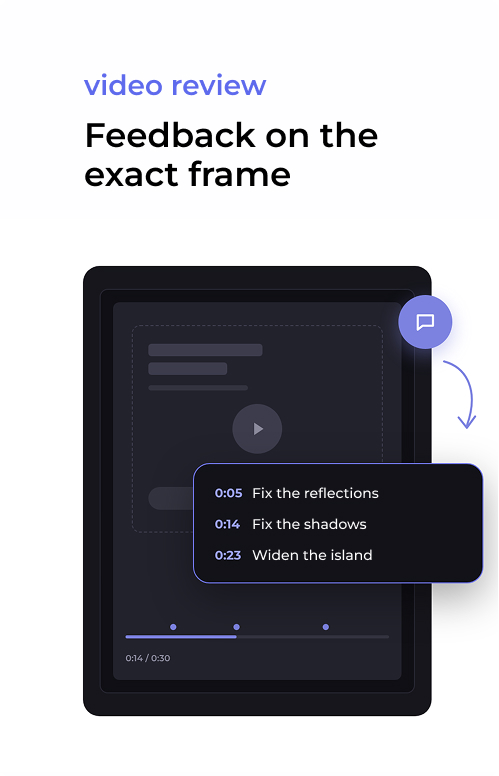
Upload a walkthrough or animation as an MP4, pause on the frame that needs work, and leave a time-stamped comment. The client sees every note in context, and your visualization team gets a clear list of changes instead of “around the middle, the kitchen looks off”.
Track every project on a Kanban or list view, assign review tasks with due dates, and keep the client conversation on the project’s discussion board instead of in personal inboxes. The project timeline records each upload, comment, and decision, so you can see where a review stands without calling anyone.
Attach the client brief, the planning conditions, or the material schedule as reference files, so every reviewer checks the design against the same source. Clients and consultants open a link and review without creating an account, on desktop or in the mobile app.




Project management in architecture looks different for every studio
Clients change their minds, sometimes months after a phase has closed. Approval Studio records who approved which revision and when, and exports it all as a PDF proof report for the project file. You can even see when the client opened the review link. So if the facade comes up again, you can answer with the sign-off instead of searching your inbox.
Revision rounds tend to run past what the contract allows, and vague feedback is usually why. Clients pin comments on the exact spot in a render or the exact second of an animation. Your artists use Difference Highlight to confirm each change went in, “Share Latest Version Only” keeps clients off old rounds, and the version history shows how many rounds a project really took.
Nobody wants to reorder a sofa. Share mood boards, layouts, and renders through a link, and the client can circle what they’d change without creating an account. Keep the material schedule attached to the project, sample a color from the board with the eyedropper to read its Pantone value, and place the order from the version the client approved.
One render can end up in a brochure, on a site banner, and on the sales site. Put the architect, the marketing team, and the agent in one user group, and decide whether one approval is enough or everyone has to agree. Approved images then go into the Digital Asset Library, so the next brochure starts from the right one.
Cheaper than missed deadlines and chaotic stressful workflow
per user / month
per user / month
per user / month
Approval Studio is the only tool you need for artwork approval. Ensure assets are of the best quality, review and update them, compare versions, and control all company’s projects within one product.
As versatile as possible, Approval Studio offers multiple ways to adjust the approval process to your unique requirements. Approval Studio allows you to tailor the usage of its features yourself to meet whatever process you choose.
Use the proof tool to upload reference files in a variety of formats. The reference space provides an easy way to keep and organize all customer information, including the architecture brief and requirements, in one place. As the project develops, monitor who posted those files and submit requests for new ones.
Allow users who are not part of your team to annotate the PDF of your project. Customers don’t need to log in to request changes and make all the necessary on screen annotations. Make the project as comfortable to review as possible with customizable email notifications for external review.
Make checklists to guarantee top performance on the review. Verify the precise sections that each one reviewed and approved to increase responsibility. Trust that clients or organizations have approved all the necessary assets and that forgetfulness will never cause an issue.
Take part in real-time conversations about everything that must be discussed to achieve your objectives. See others’ comments and react to them using the comment section the second after they were published. The proof tool is live, and updates just as quickly as your favorite messenger.

Ensure that the accuracy and appeal of your visualizations are constantly on point.

Use online proofing software by Approval Studio to verify that everything on your design layout gets checked and approved.

Enjoy the results of the fast and efficient workflow without any dragging and complications.
— Approval studio team