Effortless online proofing

One link, no setup. ExpressReview is the fastest way to send a design, document or PDF for review, and get it approved before lunch.

✓ Unlimited free reviewers ✓ No account to review ✓ Images, PDFs & Office files
express.approval.studio

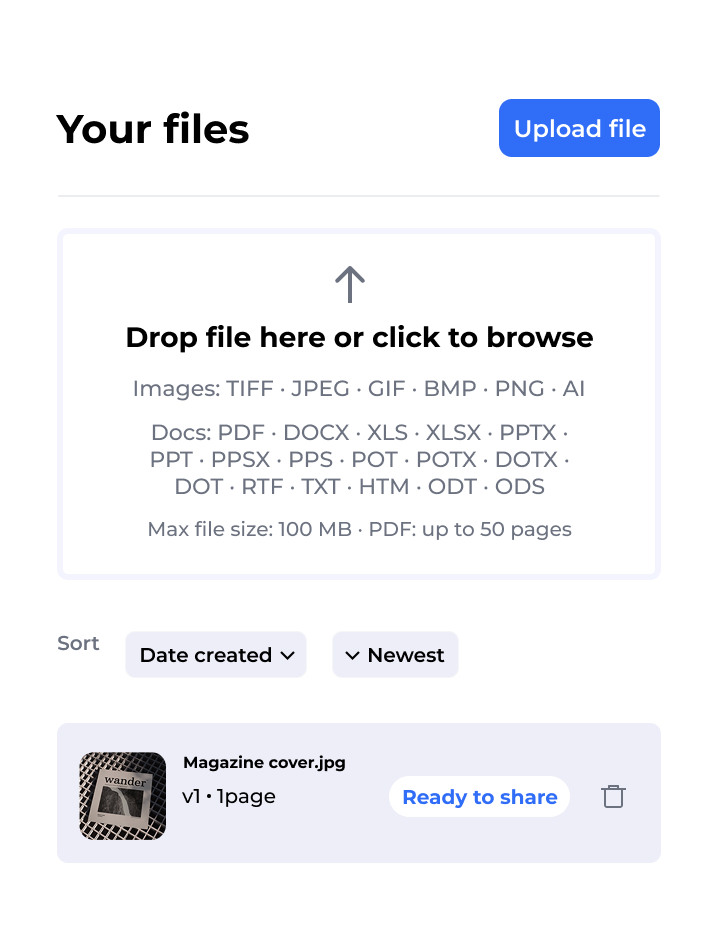
Your files

Drop file here or click to browse Images · PDF · Office — up to 100 MB
Sort Date created ↓ Newest
Wander-Cover-v3.png v3 · 2 pages In Review
Merch-Drop-Final.jpg v1 · 1 page Approved

Wander-Cover-v3.png

Version 3 · 1920 × 1080 px In Review

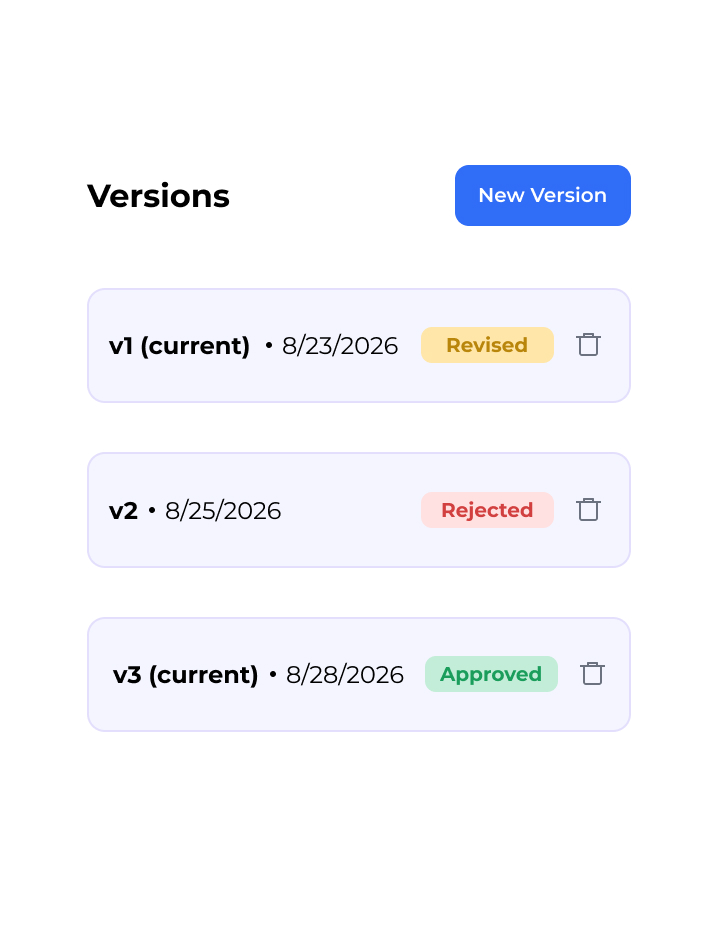
Versions

v3 (current) · Aug 26 In Review
v2 · Aug 24 Rejected

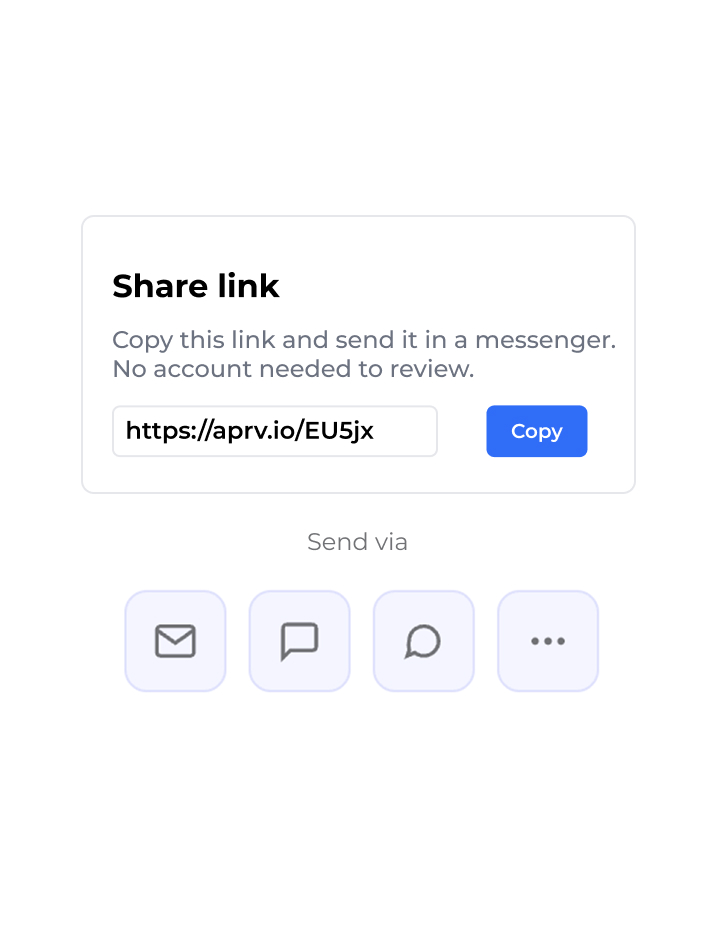
Share link

Copy this link and send it in a messenger — no account needed to review.

https://aprv.io/r/7Qk2v9

History (4)

Marco left 3 comments on v2 Aug 24, 3:15 PM
You uploaded v3 Aug 26, 10:02 AM

An enterprise-grade review tool — in a dead-simple Express wrapper.

The same engine that powers Approval Studio, opened straight from your share link.

Try the live review tool →
  • 5 annotation tools — point, box, circle, arrow, freehand
  • Threaded comments & live discussion
  • 4 version-compare modes
  • Eyedropper — RGB, CMYK & Pantone
  • Measure ruler & background picker
  • Approve or request changes — no account

From file to feedback in four steps

1

Upload

Drop in an image, PDF or Office document, up to 100 MB.

Drop file here or browse
PDF
Brochure-v3.pdf
4.2 MB
2

Share the link

Get a review link and send it via any messenger or email. No account needed.

Your review link
aprv.io/r/7Qk2v9Copy
Send via
3

Collect feedback

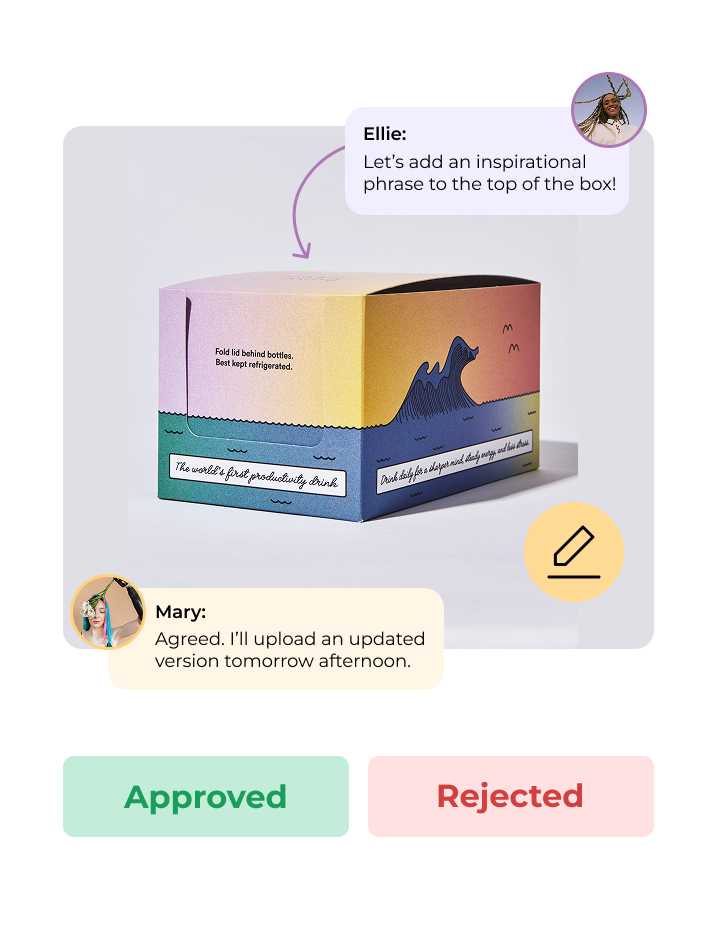
Reviewers annotate, approve or reject right in the browser. No sign-up.

1
2
MR
Maria
Move the logo up 10px
Approve
Reject
4

Upload the next version

See the status, then push a new version and repeat the cycle.

v1
Approved
Aug 20
v2
Approved
Aug 24
v3
In review
Aug 27

All the review, none of the overhead

One upload, one link

No extra setup. Just add a file and a shareable review link is ready within seconds.

Reviewing is always free

Anyone you send a link to can annotate, approve, or reject without creating an account.

Versions & history

Upload new versions, keep the full history, and see a clear status for each asset.

Documents & images

Images, PDFs, and Office documents all open in the same reviewer with no extra tools or cost.

Web, iOS & Android

Start a review at your desk and follow up from your phone with push notifications.

Grows with you

ExpressReview grows with you. Need projects, more storage, or automation? Approval Studio is the same tool, just bigger.

Your reviewers never hit a wall

Every share link opens straight into the review tool — no login, no app install. The fastest path from "here's the file" to "approved."

Try it now

Start free, upgrade when you need more

Free
$0
  • 1 active file (no time limit)
  • Unlimited free reviewers
  • Versions & full history
  • Up to 100 MB per file
Get started
Most popular
Express
$9.99 /mo · or $99.99/yr
  • Unlimited active files
  • 1 GB storage per user
  • Unlimited versions & history
  • Everything in Free
Get Express

Compare all plans →  ·  Need projects, teams and workflows? Explore Approval Studio →

Frequently asked questions

What files can I review with ExpressReview?

Images, PDFs and Office documents — Word, Excel and PowerPoint — plus TIFF and AI files, up to 100 MB each, and PDFs up to 50 pages. Many proofing tools take only visual files; ExpressReview takes the documents around them too.

How does ExpressReview work?

Upload a file, send the one share link ExpressReview generates, and collect the decision. Your reviewer marks up the file in the browser and approves or rejects it; you upload the next version and repeat until it is signed off.

Do my reviewers need an account?

No. Anyone you send the share link to can annotate, approve or reject the file straight in their browser — no sign-up, no install, on every plan.

Is ExpressReview free?

Yes. The free plan gives you 1 active file, 3 versions and 100 MB of storage, and it never expires. Express is $9.99 a month or $99.99 a year and lifts that to unlimited files and versions with 1 GB of storage. Reviewing is always free for everyone you share with.

Who can see my files?

Only you and the people you send a share link to. Each link opens exactly one file and nothing else in your account, so treat it as the key to that file. Files are stored on the Approval Studio platform, which powers ExpressReview.

How many reviewers can I invite?

As many as you like. ExpressReview limits files, versions and storage — never the number of people you send a file to, and reviewers never pay.

Can I compare versions?

Yes. Every version keeps its own comments and its own decision, and you can put two versions side by side or highlight the difference to see exactly what changed.

Can I review on my phone?

Yes. ExpressReview runs in any browser and has iOS and Android apps. Reviewers can open a share link on a phone without installing anything.

What languages does ExpressReview support?

English, Ukrainian, Polish, French, German and Spanish.

Start reviewing for free today

Free to start. Free for everyone who reviews. No credit card, no setup.

Start free
Or get the app