A reliable solution for pharma & medical packaging artwork development

Pharmaceutical design proofing is a vital and complicated type of review projects that must include dozens of iterations, revisions, and edits before the launch of the product. Approval Studio is a design collaboration software that will help you make sure that not even the tiniest detail of pharma labelling or packaging escapes your attention before you sign off the mockup.

Check Mark No Cards Required
Check Mark No Installation
Check Mark Free Personal Demo

Leave no place for mistakes with our artwork approval software

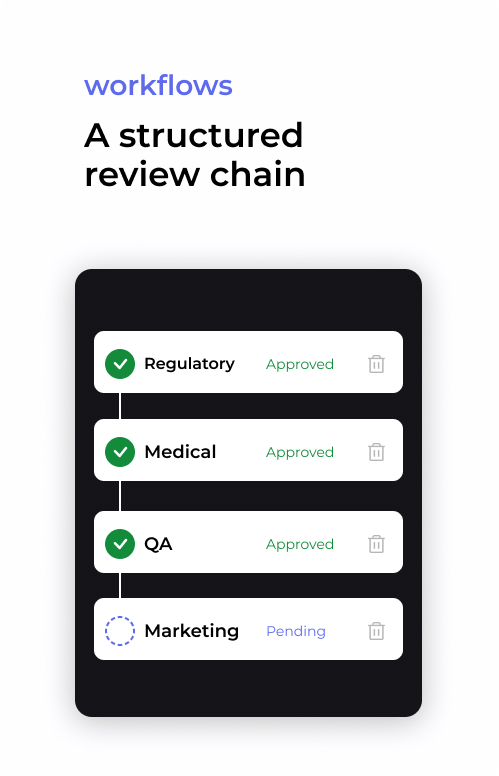
Medical design proofing, both for pharma packaging and medical device label requirements, goes through many review stages, each requiring the utmost attention and responsibility. With Approval Studio, you can set up user groups and go through the review phases step-by-step or in parallel to ensure the maximum quality of the product.

Workflow map for the pharma

Use instruments

Our proofing system’s features are designed to enhance the review process for medical labelling and packaging as well as any supporting documents such as instructions for use or patient information leaflets. A diligent review of every detail will in turn secure approval from regulatory organs, the safety of patients and their health, as well as the long product lifecycle.

Assign task to particular groups or users

Tasks & review groups

Create groups and assign review tasks to all departments, from clinical research and legal compliance to packaging review and quality control. Set up team collaboration for professional medical artwork approval and be sure that your packaging and package inserts get properly reviewed for a timely launch.

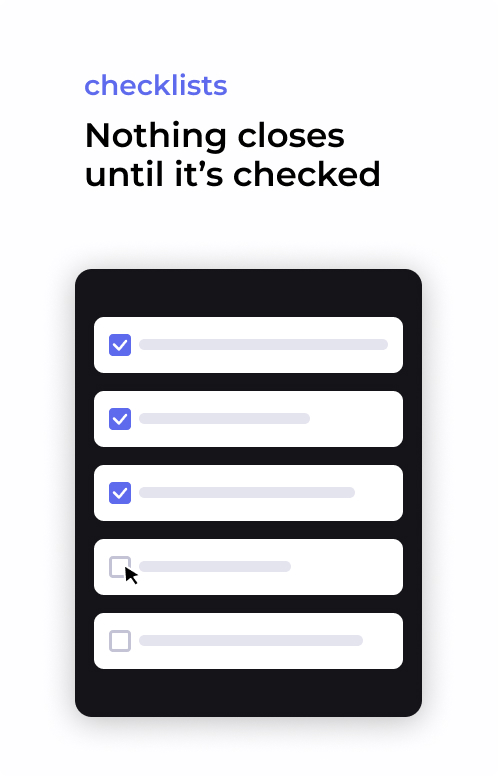
Checklists

For an even more detailed review and approval process, create a checklist for each task that you assign. Confirm that each department has accounted for every detail proofing your pharmaceutical label or medical device label and that not a single layout element goes unchecked.

Use checklists to verify whether all the parts of the asset were reviewed
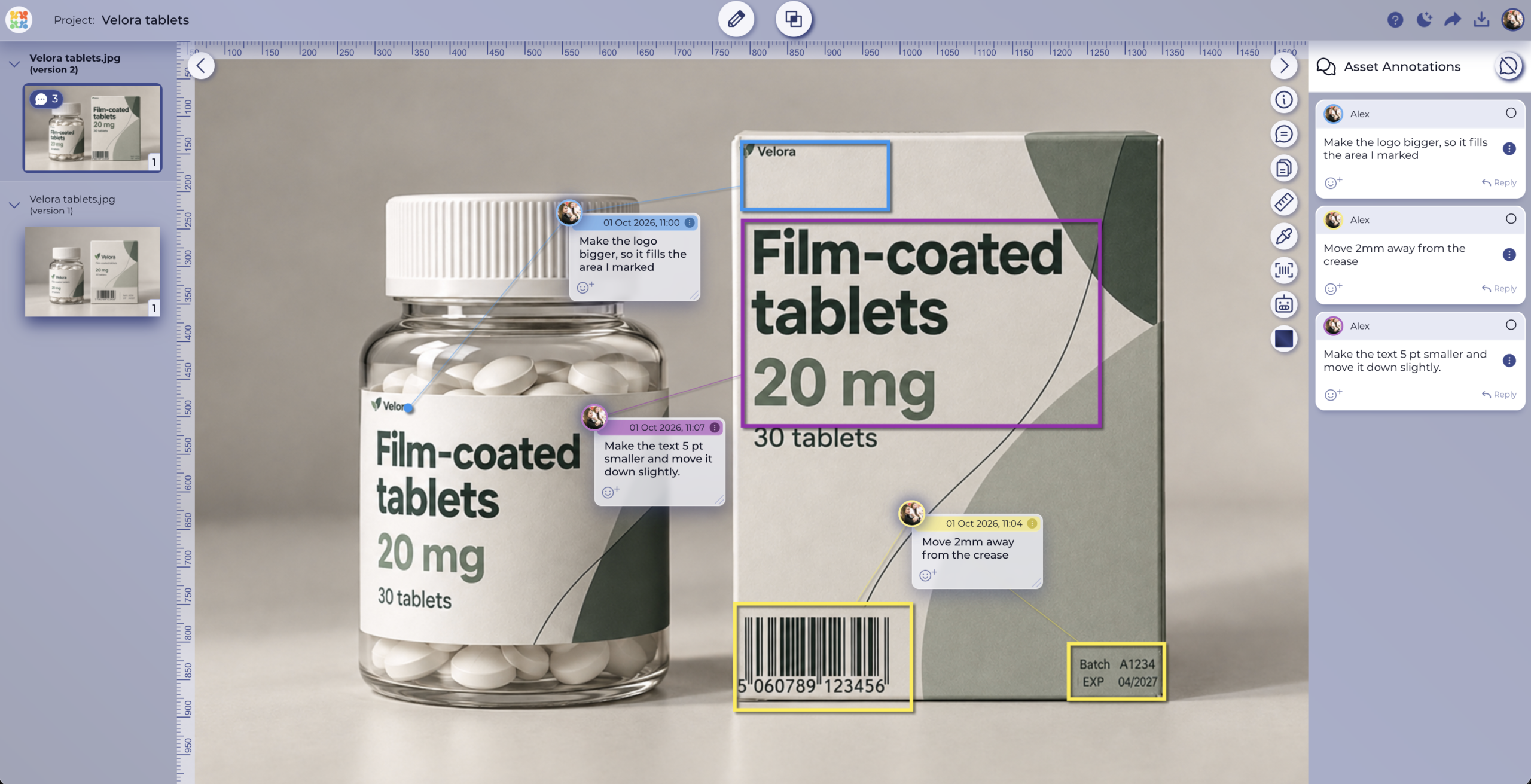
5 different annotation shapes that allow you to leave comments on the asset

Annotations &
version comparison

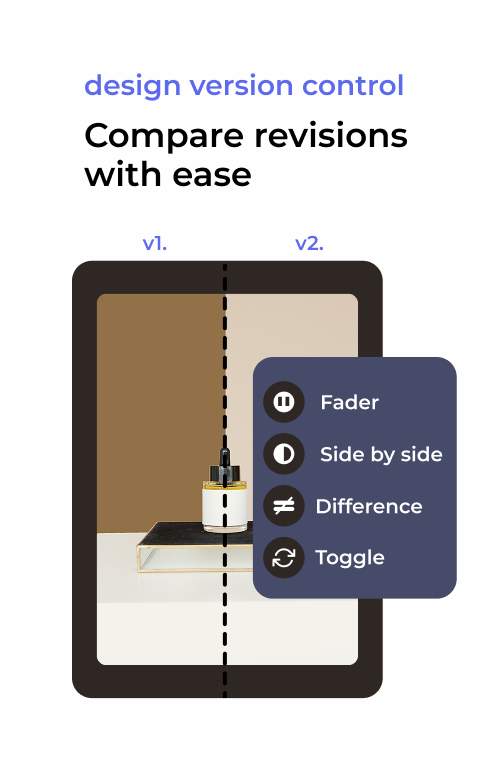
The reviewers can comment directly on the packaging artwork choosing from various shapes and colors to comment on areas that need the designer’s attention. After the edits are applied, verify the requested changes with 4 automated comparison modes that will highlight the differences between the design iterations.

Detailed reports

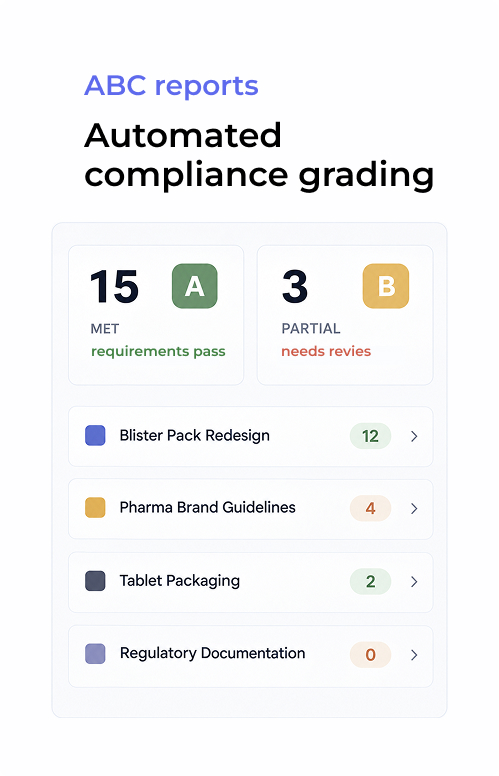
In addition to the full project timeline available at any moment, you can generate a PDF report on every project or asset, including all its versions, annotations, and time stamps for every comment made by the reviewers. Whether it is for internal retrospect or the client, the report will provide exhaustive information on every project cycle you have completed.

Reporting in a pdf format to represent the asset information
alt=""

Set up diligent
collaboration

Assign review and upload tasks for assets or reference files to your user groups covering all review parties involved.

alt=""

Thorough medical
design review

Use online proofing software by Approval Studio to verify that everything on your design layout gets checked and approved.

alt=""

Ensure your product’s longevity

With in-depth proofing of pharma packaging design and medical device labels, guarantee the quality of your product.

Establish a responsible
review process that accounts for every single detail.

— Approval studio team

Design proofing software that
works in your favor

dates, no slide ══ -->
External review menu with share options.
Two design versions compared side by side with four compare mode options.
Five annotation shape options: Arrow, Point, Square, Circle, and Free Form.
Approval history log with PDF and XLS export.
Approved asset in the library with activity history.

How pharma artwork approval software works

Person reviewing design work
Watch how it works
1
Upload the asset
Add the label or carton in AI, PDF, or TIFF. Add reference files or any other supporting regulatory materials.
2
Route it to review groups
Assign tasks to regulatory, medical, QA, and marketing. If you work with people outside your team, external reviewers can review, annotate, and approve with checklists without an account.
3
Compare, approve, and export
Confirm each change in version compare, collect every sign-off, and download the PDF report for your records.

Plans to Fit Every Team

Cheaper than missed deadlines and chaotic stressful workflow

LITE

Fast review tool perfect for freelancers and small teams.

$12

per user / month

14-day free trial
Unlimited reviewers & projects
5 users included
5 GB storage space
5 annotation shapes
4 comparison modes
Live chats in review tool
Reporting & project history

MOST POPULAR

PRO

Project management tool for medium and large businesses.

$32

per user / month

14-day free trial after dem
All Lite Package features +
5 users included
5 GB storage space
Email support
User groups
Smart notifications
Adobe CC Integration

PRO XL

More seats, lower price per user. Same tools, bigger team.

$20

per user / month

14-day free trial after demo
All Lite Package features +
15 users included
30 GB storage space
Task management system
User groups
Smart notifications
Adobe CC Integration

FAQs

What is graphic design proofing?
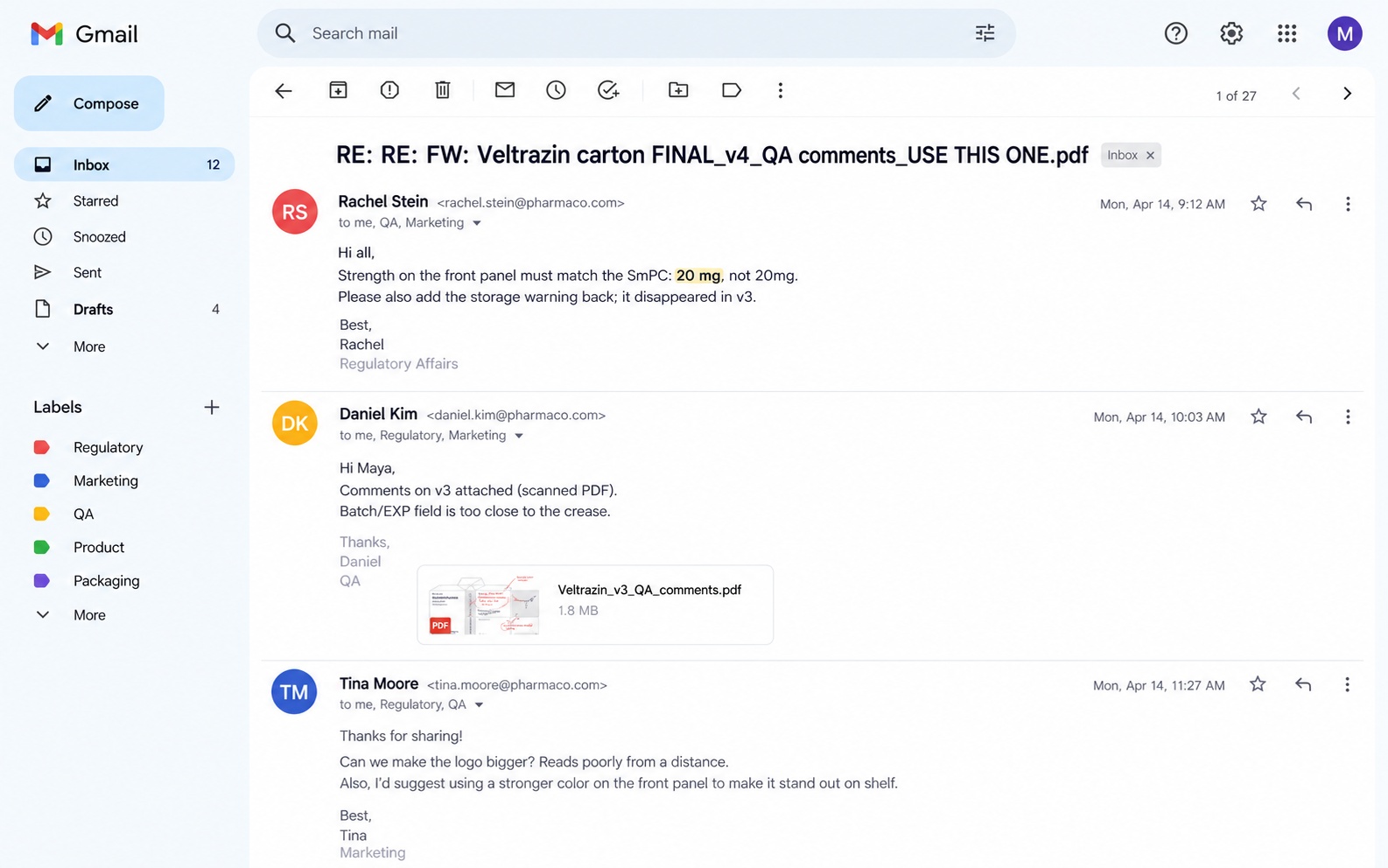
Graphic design proofing is the process of reviewing a design file for errors, accuracy, and client approval before it goes to print or publication. It involves the designer sharing a proof with stakeholders, collecting structured feedback, making revisions, and obtaining a formal sign-off. Dedicated proofing software replaces email-based review with a traceable, structured workflow.
How does online proofing work for graphic designers?
Online proofing software for graphic designers works by uploading a design file to a proofing platform, which generates a shareable review link. Reviewers open the link in a browser, annotate directly on the design, and submit feedback. The designer receives all comments in one place, makes revisions, and uploads a new version for final approval — no email attachments needed.
What is the best graphic design proofing software?
The best graphic design proofing software supports file annotation, multi-version comparison, external reviewer access without account creation, and automated approval reports. Approval Studio is purpose-built for design proofing workflows, supporting static files, PDFs, and video, with a full revision history and downloadable sign-off documentation.
How do you proof a graphic design before sending to a client?
To proof a graphic design before client delivery:
  1. upload the file to a proofing tool,
  2. review for spelling, color accuracy, and brand consistency,
  3. share a proof link for client review,
  4. collect annotated feedback in a single thread, and
  5. implement revisions and obtain written approval before final export.
Can clients review proofs without creating an account?
Yes. With Approval Studio, you can share a proof link that allows clients to annotate and approve designs without registering for an account. This removes friction in the designer–client review process and eliminates delays caused by access barriers. Clients can leave comments, draw on the design, and submit a formal approval directly from the link.
What is the difference between design proofing and design review?
Design review is a broad term for any evaluation of a creative asset, often informal. Design proofing is a formal, structured process with a defined workflow: uploading a proof file, collecting stakeholder annotations, managing revision versions, and recording a final sign-off. Proofing tools like Approval Studio add accountability, traceability, and workflow automation that informal review lacks.
How do graphic designers manage client revisions efficiently?
Efficient revision management for graphic designers requires a central system where all feedback lives against a specific version of the file. Using design proofing software avoids the “v2_final_FINAL” problem by maintaining a numbered version history. Each revision cycle is tracked, annotated feedback is preserved, and the approved version is clearly marked, making handoffs and billing disputes simpler.
Does graphic design proofing software support digital asset management?
Some graphic design proofing tools include basic digital asset management (DAM) features such as file versioning, project organisation, and searchable asset libraries. Approval Studio focuses on the review-and-approval stage of the asset lifecycle (uploading, annotating, comparing, and approving), making it complementary to a full DAM system for teams that need both capabilities.

Pharma artwork approval that stands up to an audit