



 CLIENT INTERVIEWS


How to Proof Documents: Manual Reviews vs. Document Approval Software
Find out where manual document reviews break down, what document approval software does differently, and how to choose the right way to proof your files.
Read more


 TEAM SOLUTIONS
 WORKFLOW SOLUTIONS
<!–
–>
<!–
–>
 REVIEW TOOL
 PROJECT MANAGEMENT
 TOOLS & INTEGRATIONS



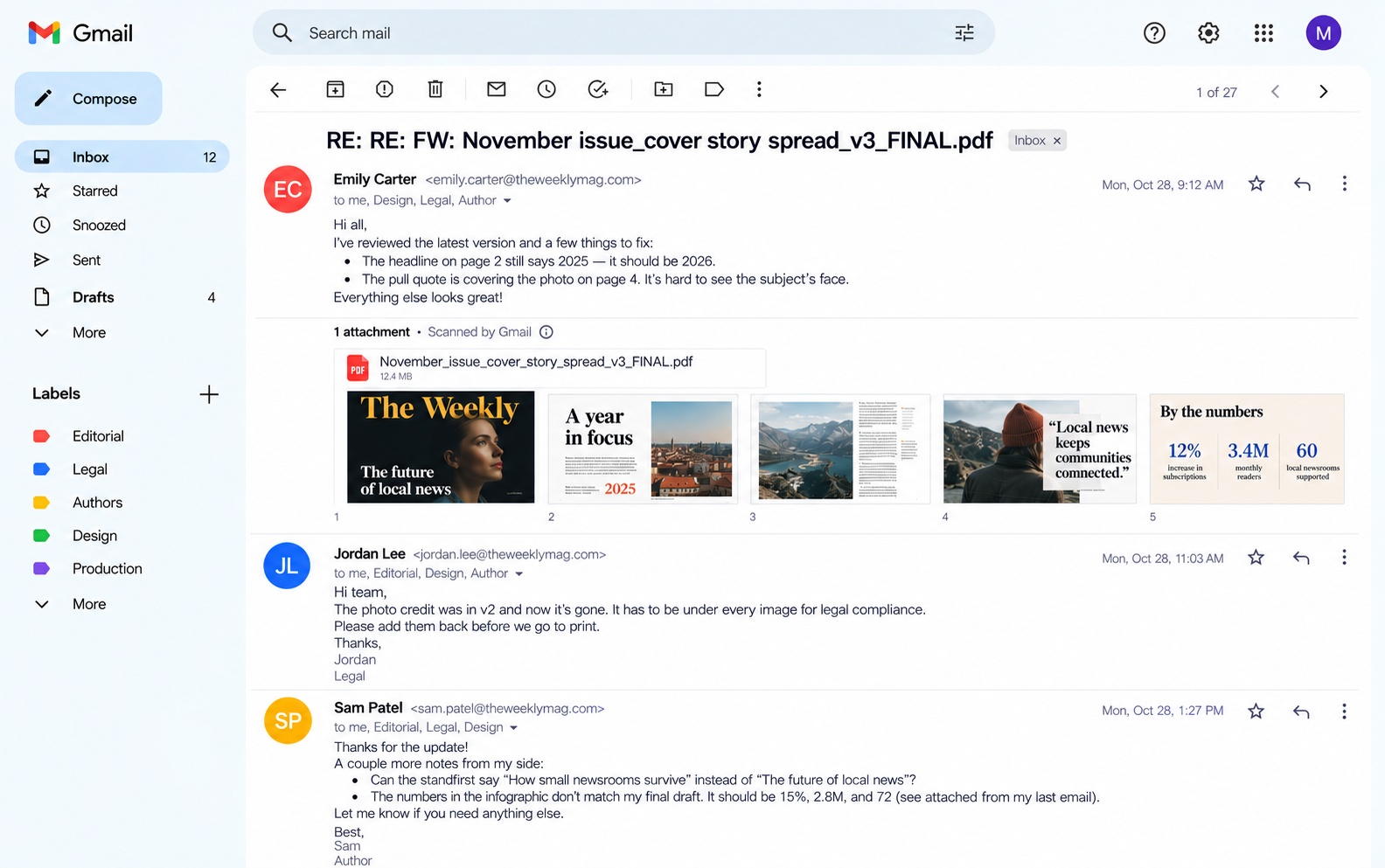
Creating a high-quality layout for an article, a page, or an infographic always gets overcomplicated with tight deadlines and problematic review and approval processes. And proofing for publishing seems to have devolved with the invention of email proofing. Countless email threads approving each page out of context, late replies, and miscommunicated versions can kill the best cover.
 WITH APPROVAL STUDIO
 BEFORE
Drag to compare
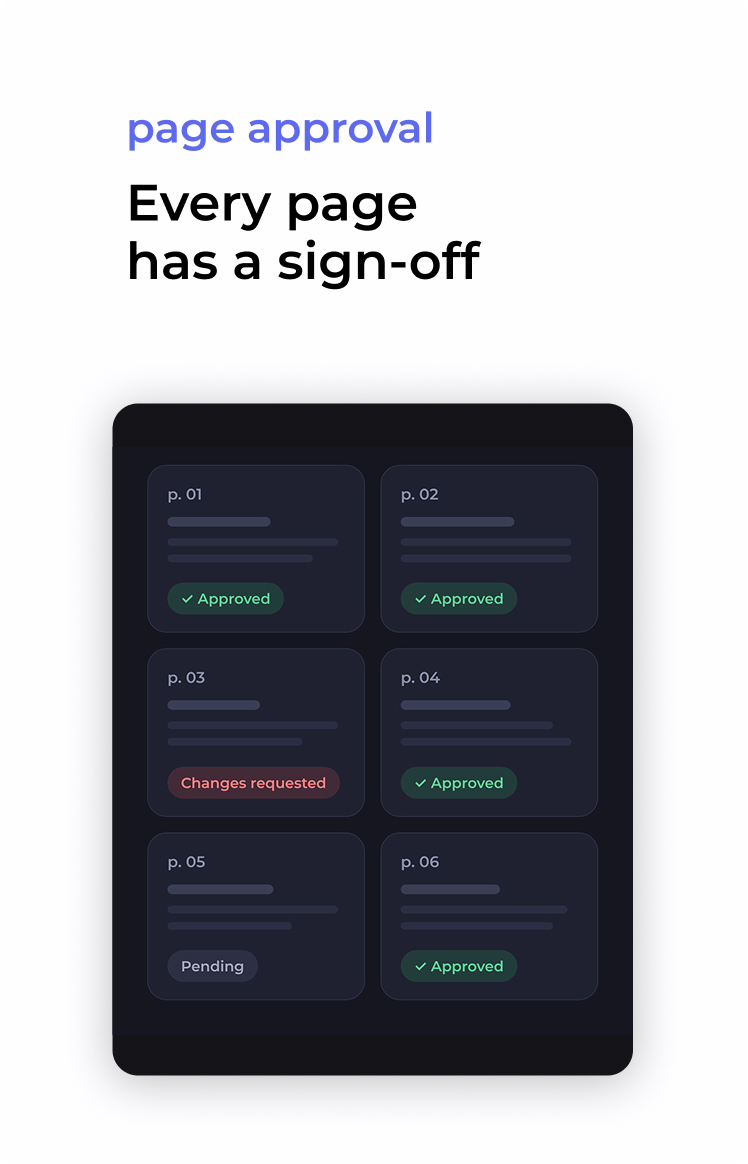
An issue is never ready all at once, so don’t approve it all at once. Upload the layout as a multi-page PDF (up to 50 pages per file, or 100 on request) and approve or reject each page separately. Everyone can see which spreads are done and which ones still need work, without a separate email for every page.
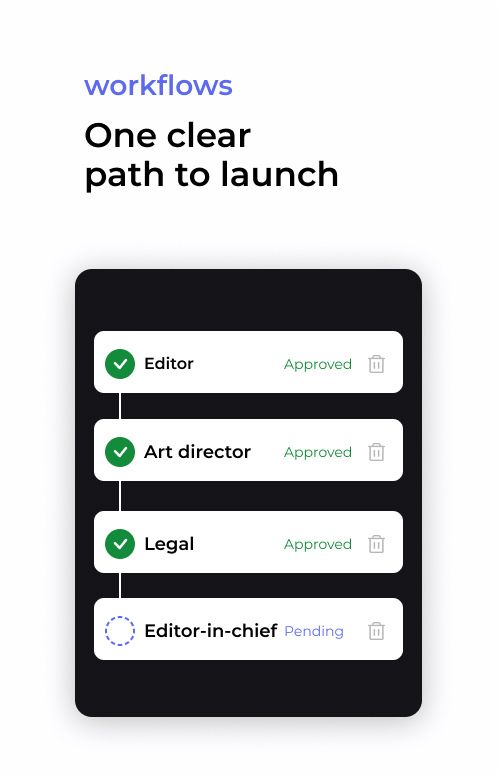
A feature goes through more hands than any other page. Build an editorial approval workflow with review groups for editors, art direction, legal, and the editor-in-chief. Add due dates to every stage, so the layout moves on only when the stage before it signs off, and the print or publish date doesn’t slip.
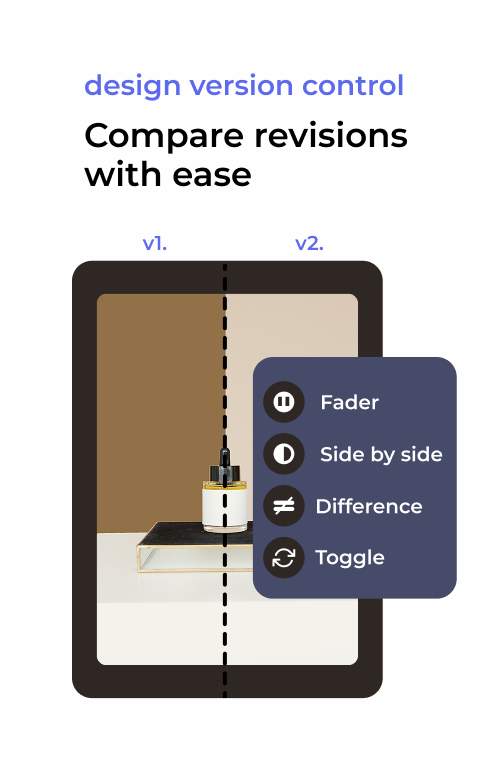
Compare layout versions with Side by Side, Toggle, Fader, or Side by Side with Difference, and see right away whether the headline was fixed, the photo credit is back, and nothing else moved. Every version stays in the history, so you can always go back to what was approved.
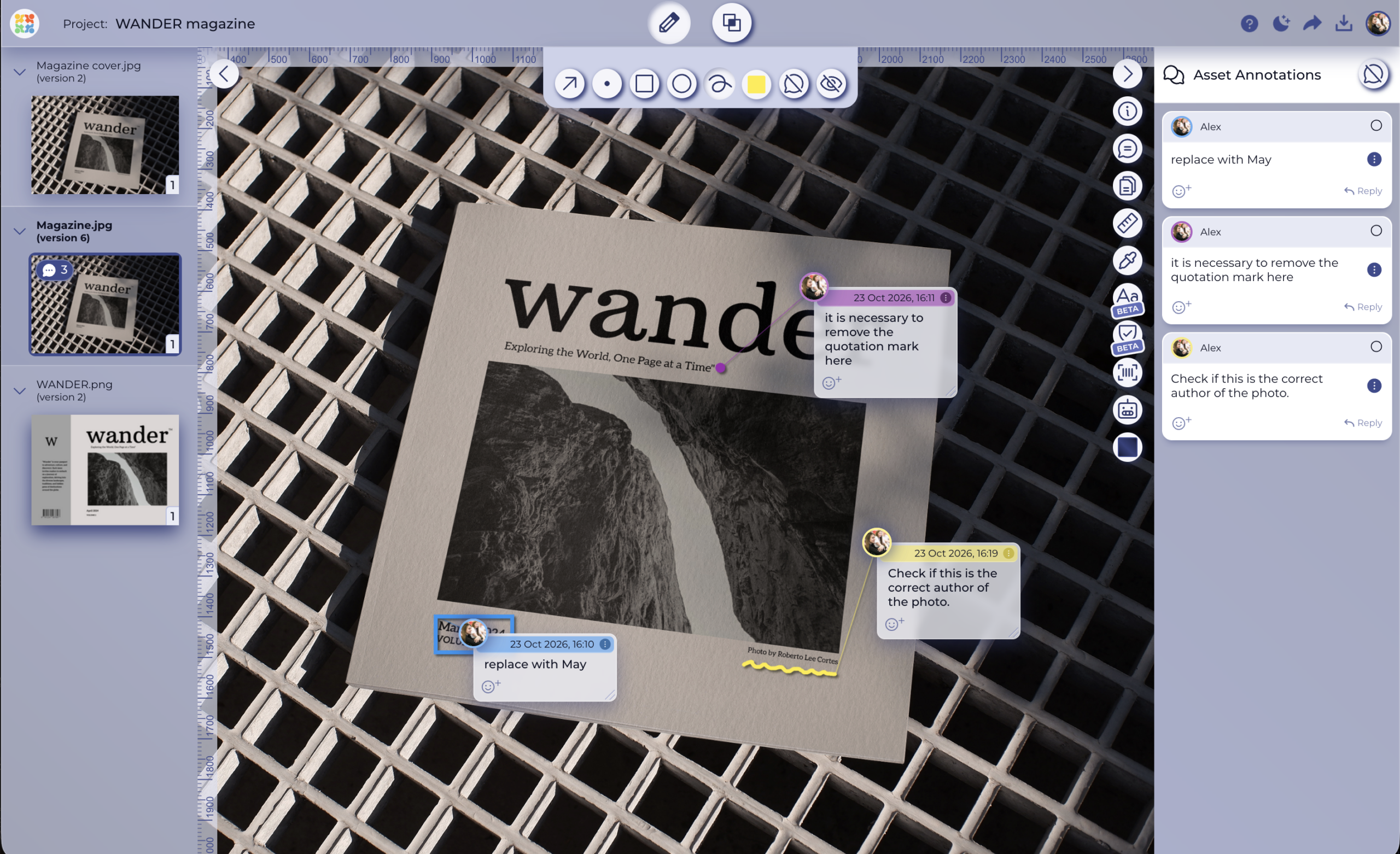
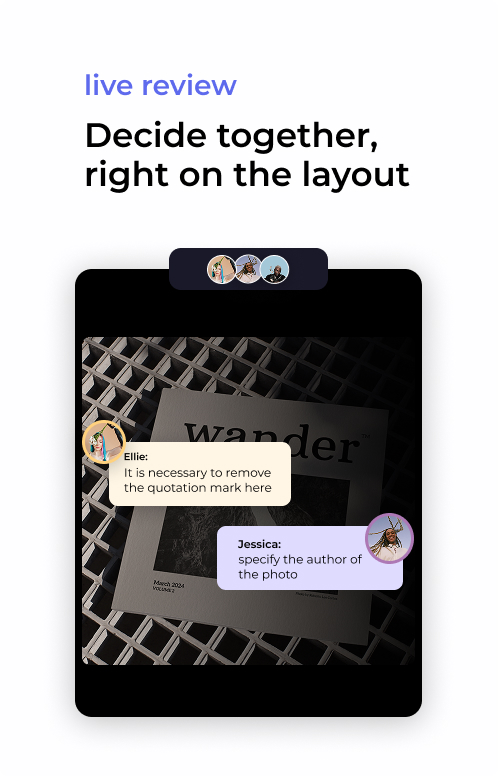
Some decisions can’t wait for the next reply. Open the layout together and see who else is in the review tool. Annotations show up live as people add them, and the chat sits next to the file. You settle the headline in one session instead of passing a PDF around until deadline day.
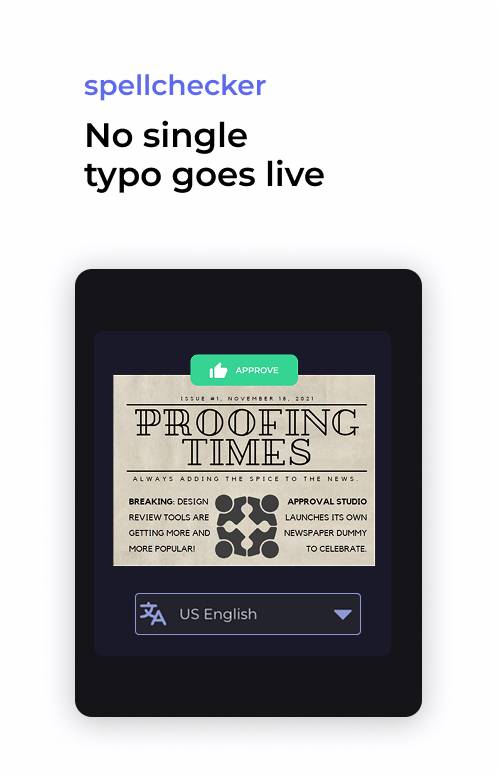
Run the spellchecker on the text inside the layout. Headlines, captions, pull quotes, and small print get checked without copying anything out of the file. Add names, places, and house-style terms to the dictionary so they stop showing up as errors. Use the ruler to check margins and spacing before the spread goes out.
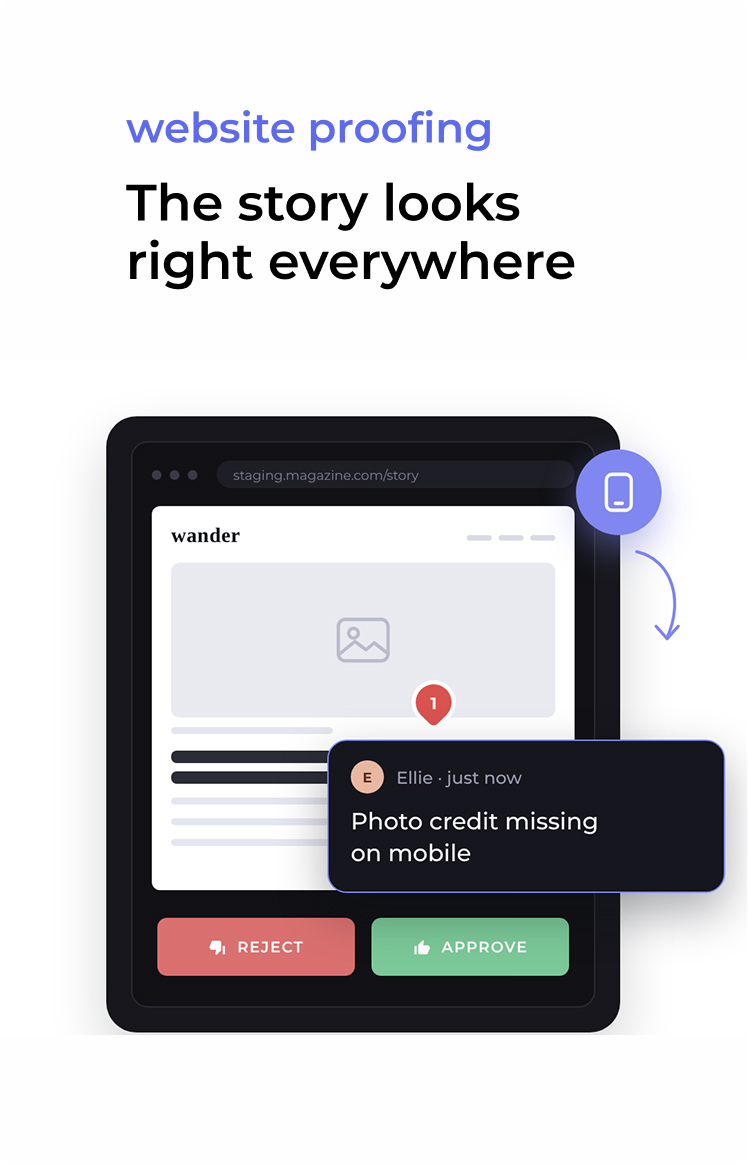
Most stories don’t end on paper. With website proofing, you paste a staging or live article URL and review it on desktop, tablet, and mobile, in the same project as the layout. And when the story comes with a video, review it frame by frame with time-stamped comments.




Find out where manual document reviews break down, what document approval software does differently, and how to choose the right way to proof your files.
Read more


