TEAM SOLUTIONS
 WORKFLOW SOLUTIONS



 REVIEW TOOL
 PROJECT MANAGEMENT
 TOOLS & INTEGRATIONS
 CLIENT INTERVIEWS




Post is also avalible in:


A while back, when I studied at the uni, I had to spend an entire evening collecting feedback from four separate DMs, two emails, and a voice note someone sent over WhatsApp. All that to approve our final version of a group project, while the actual revision took me almost no time. Finding and reconciling all the comments took three hours. Needless to say, I never agreed to be the responsible one for such projects again.
That is exactly why online proofing tools have become a staple for agencies, in-house teams, and freelancers alike. At their core, they do one thing well: they bring all feedback, all versions, and all approvals into one place, so nothing gets lost and nobody has to chase anyone down.
In this guide, we cover the ten best online software proofing tools available in 2026. For each one, we look at who it is genuinely built for, what it does well, where it falls short, and what it will cost you. If you are trying to figure out which tool fits your team, start with the comparison table, then jump to whichever reviews feel relevant.
What Is Online Proofing?
Online proofing is a web-based process that allows for reviewing, annotating, and approving digital assets in a centralized platform, replacing email threads and static PDF markups. It tracks versions, captures contextual feedback, and creates a clear approval record for every file.
In practice, the workflow goes like this: a designer uploads a file, stakeholders get a shareable review link, they leave annotations directly on the asset, and revisions are tracked by version until the file is approved or sent back. No email attachments, no version confusion, no lost comments.
In 2026, the shift toward online proofing software has only accelerated. Remote teams, tighter turnaround expectations, brand compliance requirements, and the growing role of AI in the review process have all made structured creative approval workflows less of a nice-to-have and more of a baseline.
One thing worth clarifying: online proofing is not just Google Docs with comments or feedback sent over email. The real difference is version control that tracks every iteration, annotations that pin to specific coordinates on an asset, and a formal approval record that proves sign-off actually happened. Those three things together are what separate a proofing tool from a general communication tool.
What to Look for in Online Proofing Software
Not every creative proofing software is built the same way, and the differences matter more than the marketing copy suggests. Before committing to a platform, it is worth running through these criteria.
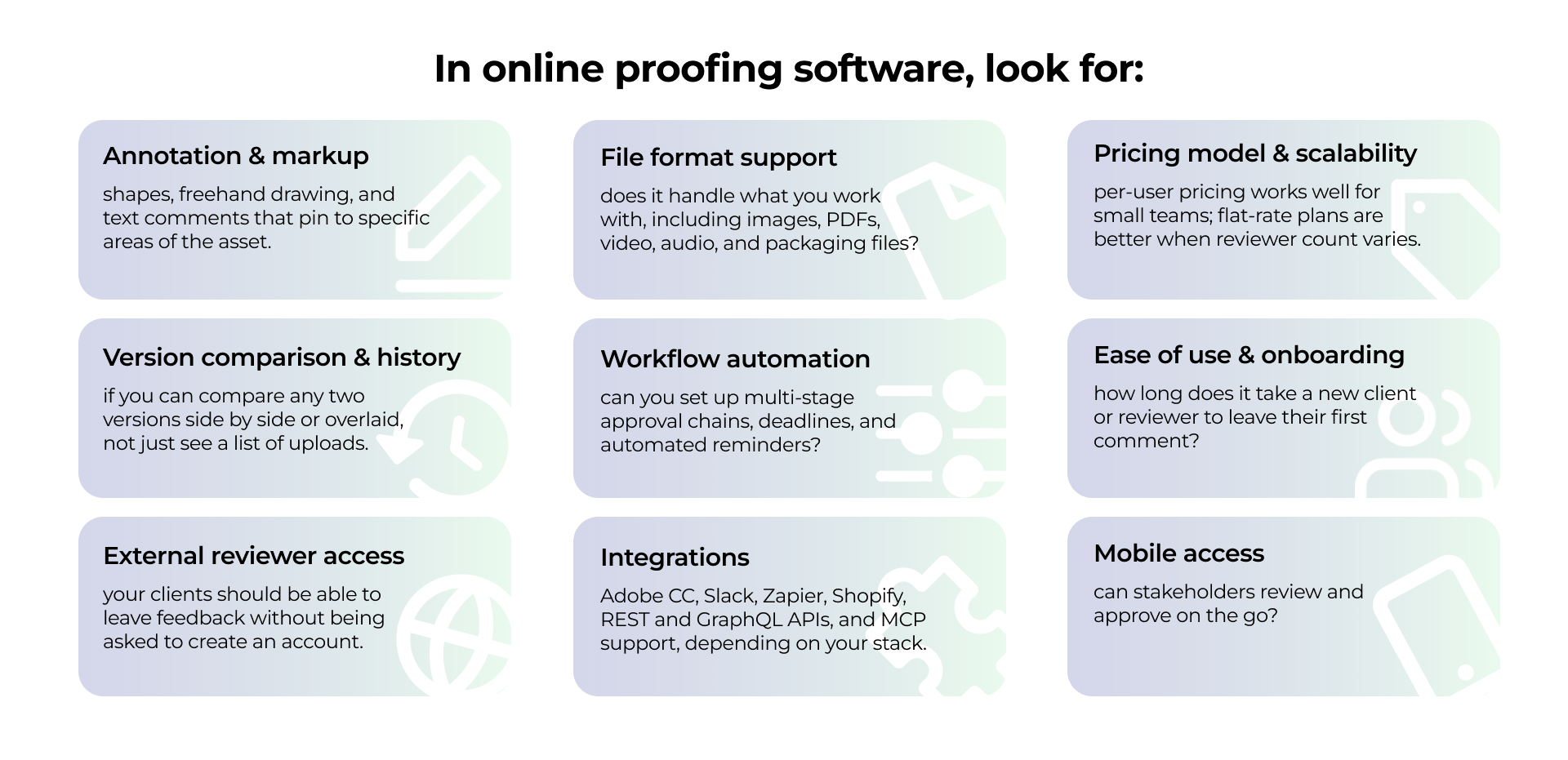
If you’d like a closer look at why those features matter, which ones make a good proofing tool, and which of them are just making headlines, we have a whole article dedicated to exactly that.
Additionally, we will reference these criteria throughout the reviews below, so they should help you read each tool against your own situation rather than in the abstract.
Best Online Proofing Tools at a Glance
Here I’ve put a quick-reference overview of all ten tools. To learn more about each tool, scroll down and see full breakdowns, pros, cons, and pricing details.
Prices verified as of April 2026. Plans change frequently; always confirm current pricing on each vendor’s website.
The 10 Best Online Proofing Tools in 2026
1. Approval Studio
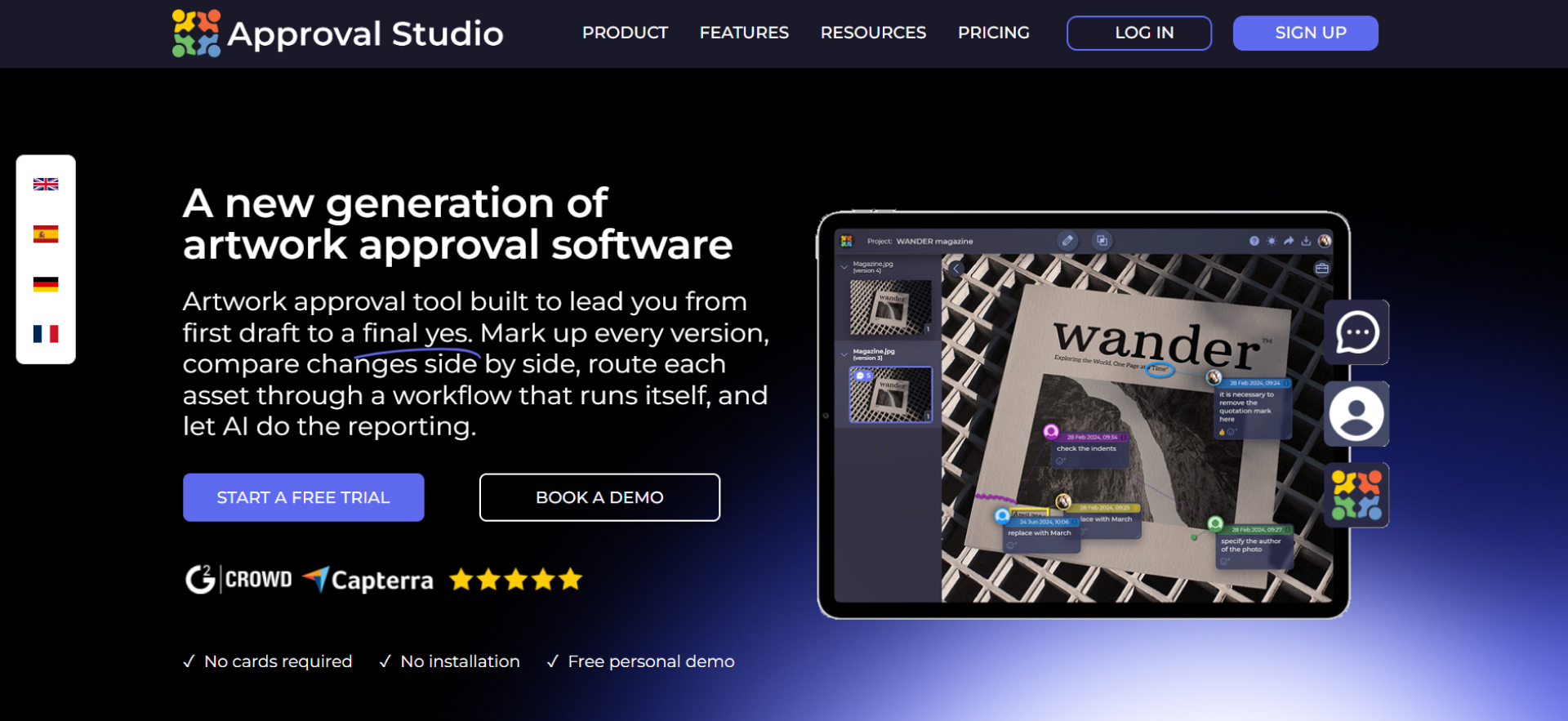
We built Approval Studio as a design-first online proofing platform. It supports multi-format proofing, including live website proofing, with annotation tools that let reviewers pin comments to exact coordinates, specific video timestamps, or individual pages in a document.
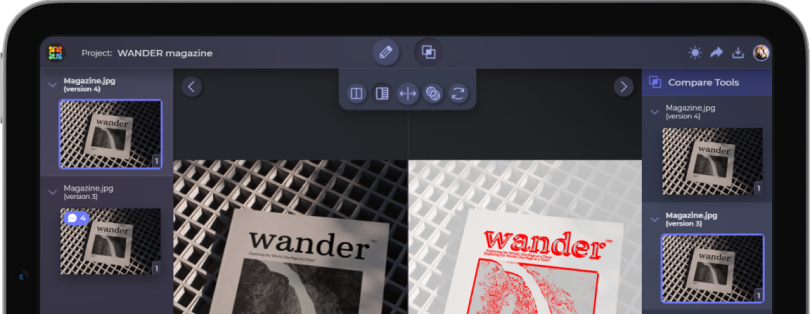
Version comparison lets you overlay or toggle between file versions to spot changes without downloading anything, and client sharing works via a public link without requiring reviewers to create an account. All feedback is logged with timestamps and user attribution, so approval chains stay traceable from first review to sign-off.
Who is it for? Creative agencies, in-house design teams, packaging studios, and brand marketing teams handling high volumes of design iterations that need a reliable, client-facing review process.
+ Purpose-built for design review, with 5 annotation tools that cover rectangles, ellipses, arrows, lines, and freehand markup.
+ Four automated comparison modes (overlay, side-by-side, difference, and toggle) catch even subtle changes between versions fast.
+ A barcode scanner and color separation tool are rare in any proofing platform and invaluable for print and packaging work.
+ The platform provides REST and GraphQL APIs, and the native MCP Server integration enables AI-powered creative workflows.
– Less suited to video-heavy workflows. Frame.io is the stronger choice if moving image is your primary asset type.
– Some advanced workflow automation features are only available on higher-tier plans.
- Lite from $60/month;
- Pro from $160/month;
- Pro XL from $300/month;
- Custom Enterprise.

2. Ziflow
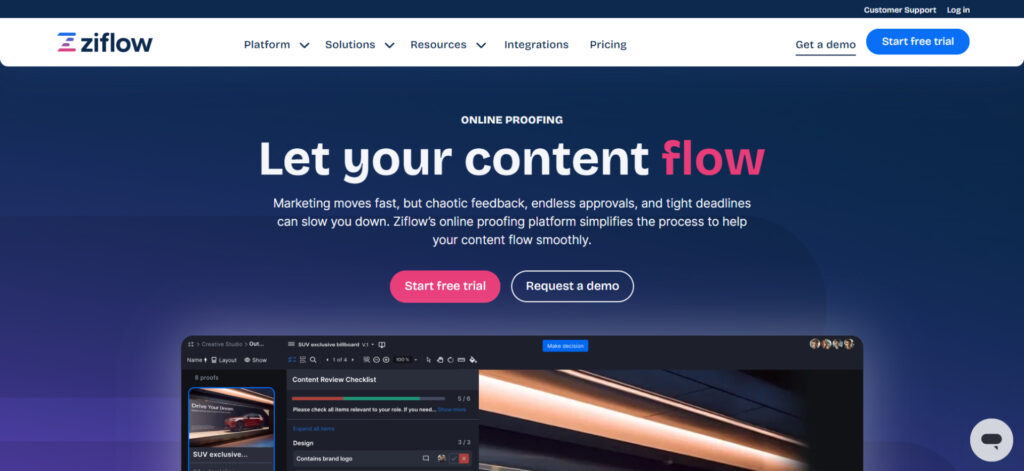
Ziflow is a well-established enterprise proofing platform built for organizations that need serious workflow automation, large-format file support, and deep system integrations. It covers a broad range of media types, including video, audio, and interactive content, alongside the standard design files.
Who is it for? Large marketing teams, global agencies, and enterprise organizations that need advanced user permissions, SSO, and multi-stage automated approval routing across multiple departments or clients.
+ Excellent workflow automation depth for complex, multi-step approval chains.
+ An extensive integration ecosystem of over 1000 connections via Zapier.
+ Supports a very wide range of file formats, including video and interactive content.
– The interface can feel heavy for small teams or individual freelancers.
– Per-user pricing adds up quickly at scale compared to flat-rate alternatives.
Ziflow pricing:
- Free plan available;
- Standard from $199/month;
- Pro from $399/month;
- Custom Enterprise.
3. PageProof
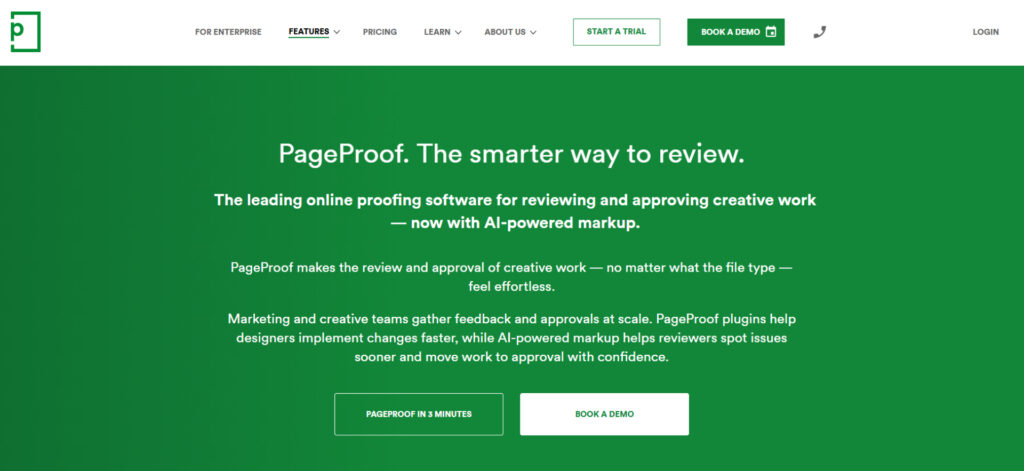
PageProof is an online proofing platform with strong workflow automation, broad file type support across static, video, audio, and HTML, and direct integrations with Adobe Creative Cloud, Figma, Canva, Asana, and Monday. On the security side, PageProof holds ISO 27001 certification and uses patented triple-layer encryption.
Who is it for? Marketing departments, content teams, and agencies looking for creative proofing software that handles mixed file types and gets people reviewing on day one, without much configuration.
+ A very clean, approachable UI with low onboarding friction for new users and clients.
+ Unlimited users and storage on all paid plans.
+ Handles HTML and web banner proofing, which most tools in this category skip.
– The feature set is overkill for teams that only need design file proofing.
– The $249/month starting price is a significant commitment.
PageProof pricing:
- Team from $249/month;
- Team Plus from $399/month.
4. GoVisually
GoVisually is a lightweight online proofing tool built around minimising friction in the client review cycle. Reviewers can access and annotate proofs via a shared link without creating an account, and version history is kept in a single view so revision tracking stays straightforward. Setup requires almost no configuration, and clients need minimal training.
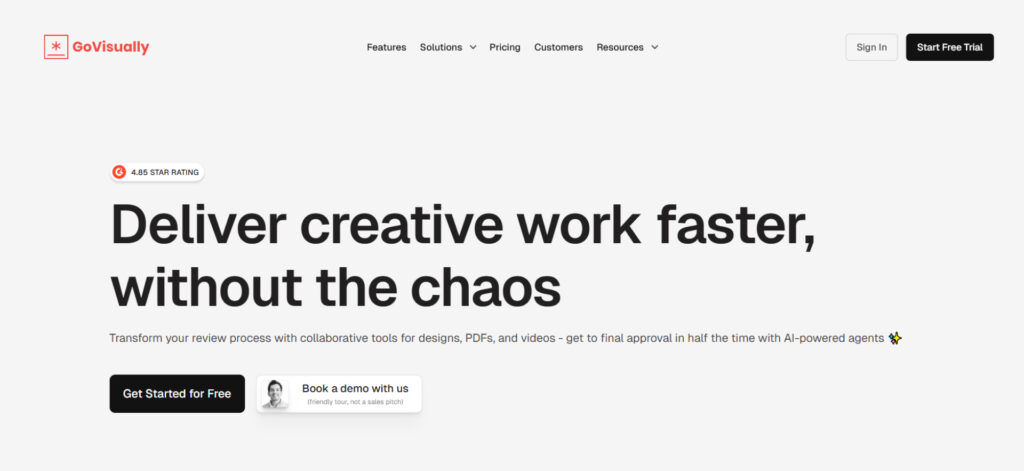
Who is it for? Freelance designers, solo consultants, and small studios that need a fast, client feedback tool and are not managing complex multi-stage approval processes.
+ Extremely fast to set up and share proofs, even for non-technical clients.
+ Affordable entry-level pricing makes it accessible for independent creatives.
+ Unlimited reviewers included on all plans.
– Limited workflow automation makes it unsuitable for multi-stage approval chains.
– Compare modes, barcode scanning, or print-ready quality checks are limited or only available in the
Compliance AI Suite($1500/month)
GoVisually pricing:
- Solo plan from $16/month;
- Pro from $33;
- Compliance AI Suite from $1500/month.
5. Frame.io
Frame.io is the tool the video industry settled on, and for good reason. It offers frame-accurate commenting, high-speed streaming, and tight integration with Adobe Premiere Pro. Camera to Cloud support extends that pipeline further back, pulling footage from set to collaborators in near real time. If the asset is moving, this is where you review it.
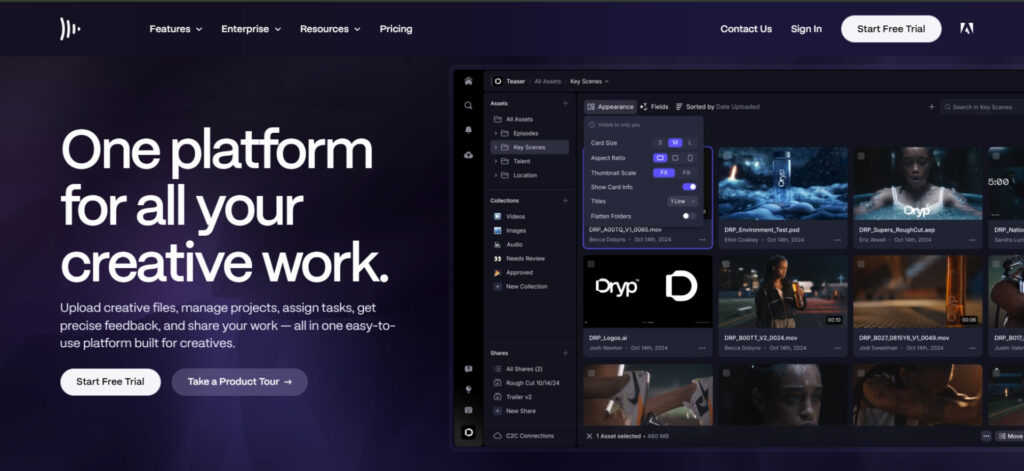
Who is it for? Video editors, motion designers, post-production studios, and content teams where video is the primary deliverable, particularly those already working inside the Adobe ecosystem.
+ Deep Adobe CC integration that feels seamless for production teams.
+ Camera-to-cloud workflows for on-set production teams.
+ A clean client review experience that requires no technical knowledge.
– Not designed for static assets. Images, PDFs, and packaging files are better handled elsewhere.
– Pricing depends heavily on whether you have a heavy video volume.
Frame.io pricing:
- Free plan available;
- Pro from $15/month;
- Team from $25;
- Custom Enterprise.
6. ReviewStudio
ReviewStudio is an online proofing platform that handles images, PDFs, video, and web projects, with strong version comparison. The feedback can be converted into task assignments directly from comments, which keeps revision cycles traceable without needing a separate project management tool.
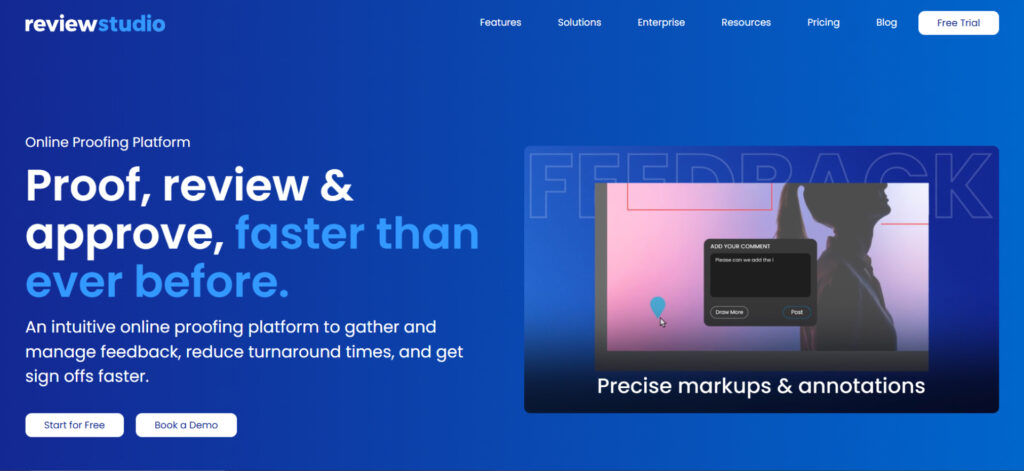
Who is it for? Full-service ad agencies, creative studios, and marketing teams reviewing multiple asset types across multiple clients, who need a clean, role-based feedback environment.
+ Strong multi-media support across images, PDFs, video, audio, and HTML content in a single platform.
+ Role-based access controls that work well for client-facing agency workflows
+ Affordable entry-level pricing.
– Fewer design-specific features compared to dedicated design proofing tools.
– Workflow automation is less advanced.
ReviewStudio pricing:
- Free plan available;
- Pro from $12/month;
- Advanced from $20;
- Custom Enterprise.
7. GoProof
GoProof is an online proofing plugin that lives inside Adobe CC, so designers send proofs directly from the canvas and receive annotated feedback back into the same environment without switching tools. The integration is its clearest strength and its main limitation. Teams working primarily in Adobe apps benefit most, while those proofing across mixed asset types, websites, or technical QA workflows will find it too narrow.
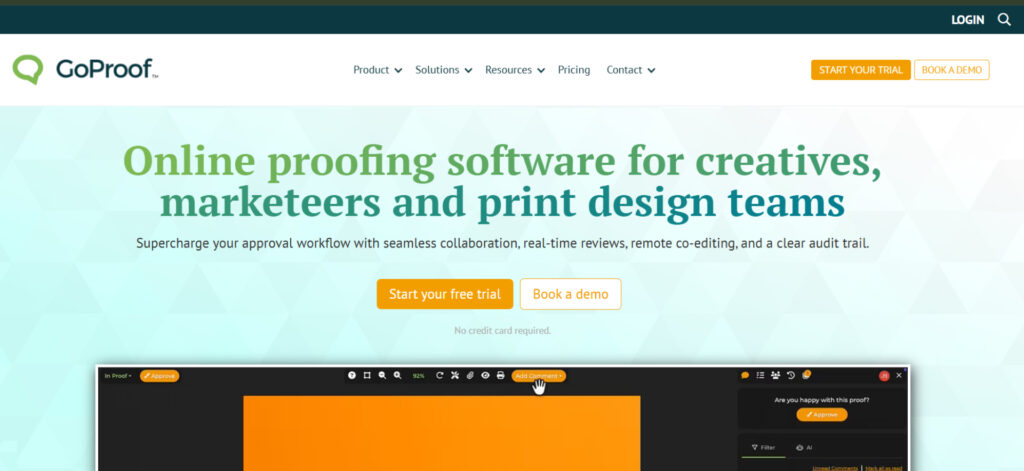
Who is it for?: Print designers, editorial teams, and publishing studios for whom InDesign is the center of the workflow, and who would rather proof from within it than manage a separate platform.
+ Adobe Creative Cloud integration that eliminates the export and upload steps.
+ Well-suited to multi-page print documents such as catalogues, editorial layouts, and packaging.
+ Online collaboration in real time.
– Limited to the Adobe CC workflow.
– Less suited to non-print asset types such as video, web banners, or social content.
GoProof pricing:
- Connect from $129/month;
- Pro from $259/month;
- Custom Enterprise.
8. Marker.io
Marker.io sits closer to QA and development tooling than traditional online proofing. Reviewers leave feedback directly on live websites or staging environments, and each report is automatically packaged with technical metadata, including browser version, screen resolution, console logs, and network activity, then pushed into Jira, GitHub, Asana, or Linear as a structured issue.
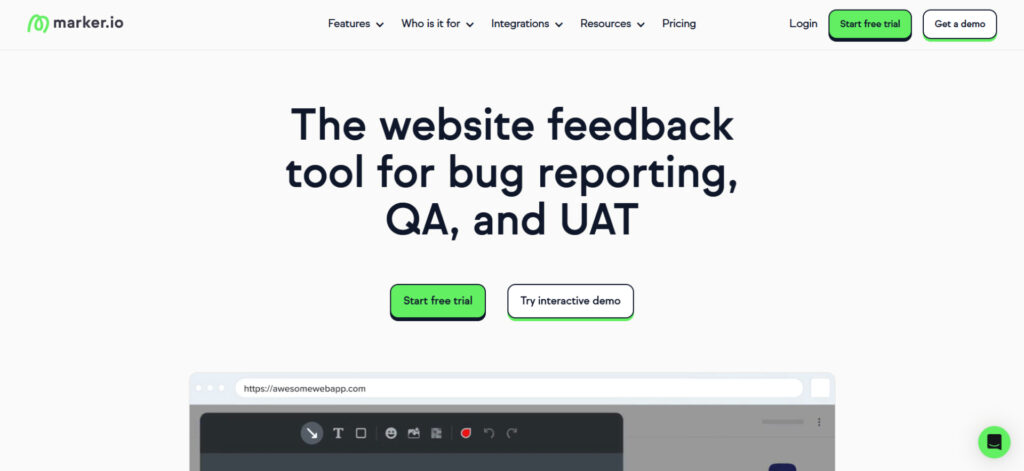
Who is it for? Web agencies and dev teams managing client feedback during UAT or QA, where the priority is getting reproducible, technically detailed bug reports into an issue tracker.
+ Annotations are made directly on the live site or app via a browser overlay, so feedback stays in context
+ Integrates tightly with developer workflows
+ Records each report with a screenshot, browser environment, console output, and reproduction context
– Annotation and review tools are functional rather than design-oriented.
– Built for technical users and requires guidance for non-developer clients.
Marker.io pricing:
- Starter from $39;
- Team from $149;
- Business Custom.
9. ProofHub
ProofHub combines online proofing with a full project management suite, covering tasks, Gantt charts, time tracking, and team chat under a flat-rate subscription that does not charge per user. The proofing functionality handles images, PDFs, and documents with annotation and version history. Teams that need deep version comparison, multi-stage routing, or specialist annotation tools will find dedicated proofing platforms more capable.
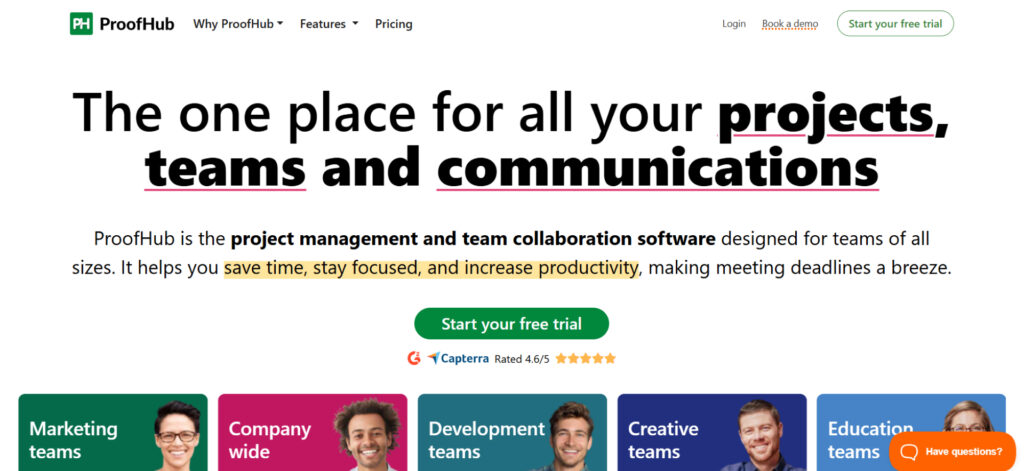
Who is it for? Small-to-medium businesses and internal teams that want project management and creative review under one roof, and find per-user pricing frustrating as their headcount fluctuates.
+ Flat-rate pricing is highly predictable as your team grows.
+ Strong project management features alongside proofing, including Gantt charts and time tracking.
+ Unlimited users on all plans.
– Proofing features are less specialized. There are no compare modes or design-specific capabilities.
– The interface is busier than proofing-only platforms, which can slow down simple review tasks.
ProofHub pricing:
- Essential from $45/month;
- Ultimate Control from $89/month
10. Filestage
FileStage puts most of its energy into the client side of the review experience. Stakeholders can be organised into groups such as marketing, legal, and product, so each file moves through the right reviewers in sequence, with automated reminders handling the chasing. It supports images, video, PDFs, audio, and interactive HTML, and integrates with Monday, Jira, Slack, and Adobe Creative Cloud.
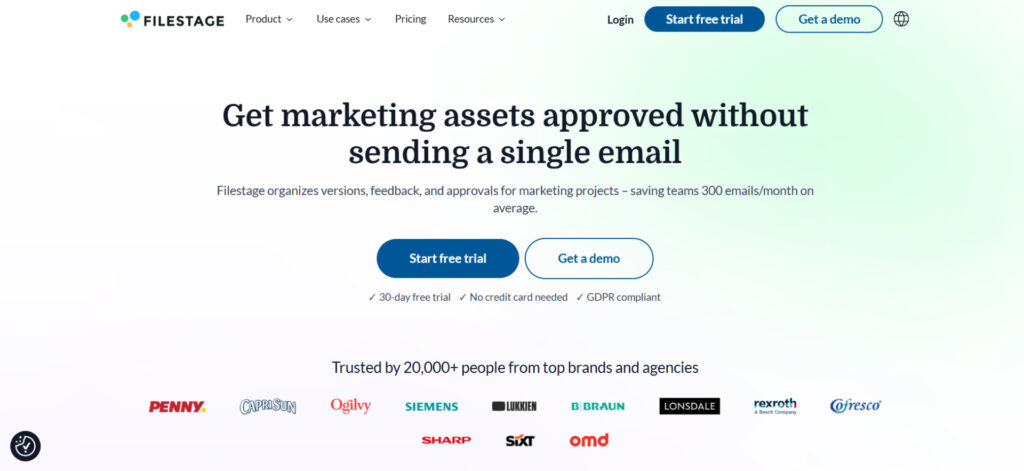
Who is it for? Creative agencies and marketing departments running many simultaneous client approval workflows, where getting external stakeholders to review quickly is the main bottleneck.
+ An excellent UX that guest reviewers adopt with no learning curve.
+ Automated reminders.
+ Good range of supported file types across video, audio, documents, and images.
– Fewer annotation options than design-specialized tools.
– No design-specific features such as barcode scanning, color separation, or multi-mode comparison.
Filestage pricing:
- Free plan available;
- Starter from $199/month;
- Business from $329/month;
- Custom Enterprise.
How to Choose the Right Online Proofing Software for Your Team
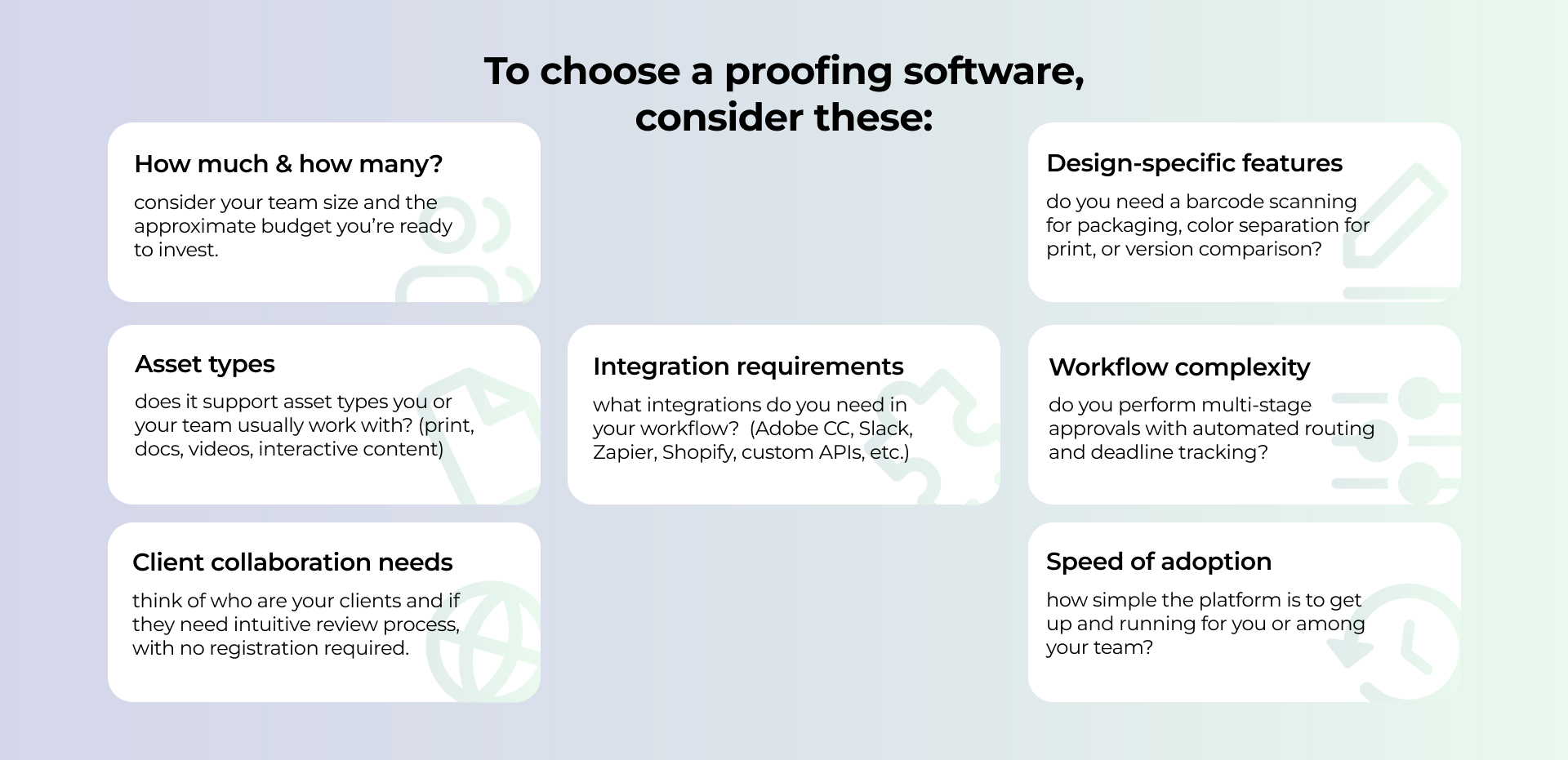
Ten tools are a lot to weigh up, so I suggest a practical way to narrow them down. Just think through these seven factors, and most of the list will rule itself out pretty quickly:
Summing Up
All 10 tools I’ve gathered here today are great options and definitely deserve their place under the sun. And to be honest, there is no single best online proofing tool.
There are different requirements. A packaging studio proofing print-ready files has fundamentally different needs from a post-production team reviewing video dailies, and both of them work differently from a web agency running UAT with a development team. The right tool is the one that fits how your team actually works, not the one with the longest feature list.
Most platforms on this list offer a free trial. This lets you use it with a real project and pay attention to how your clients and reviewers respond. At the end of the day, the best proofing tool is ultimately the one your whole team will actually use.