TEAM SOLUTIONS
WORKFLOW SOLUTIONS
REVIEW TOOL
PROJECT MANAGEMENT
TOOLS & INTEGRATIONS
TEAM SOLUTIONS
WORKFLOW SOLUTIONS
<!–
–>
<!–
–>
REVIEW TOOL
PROJECT MANAGEMENT
TOOLS & INTEGRATIONS
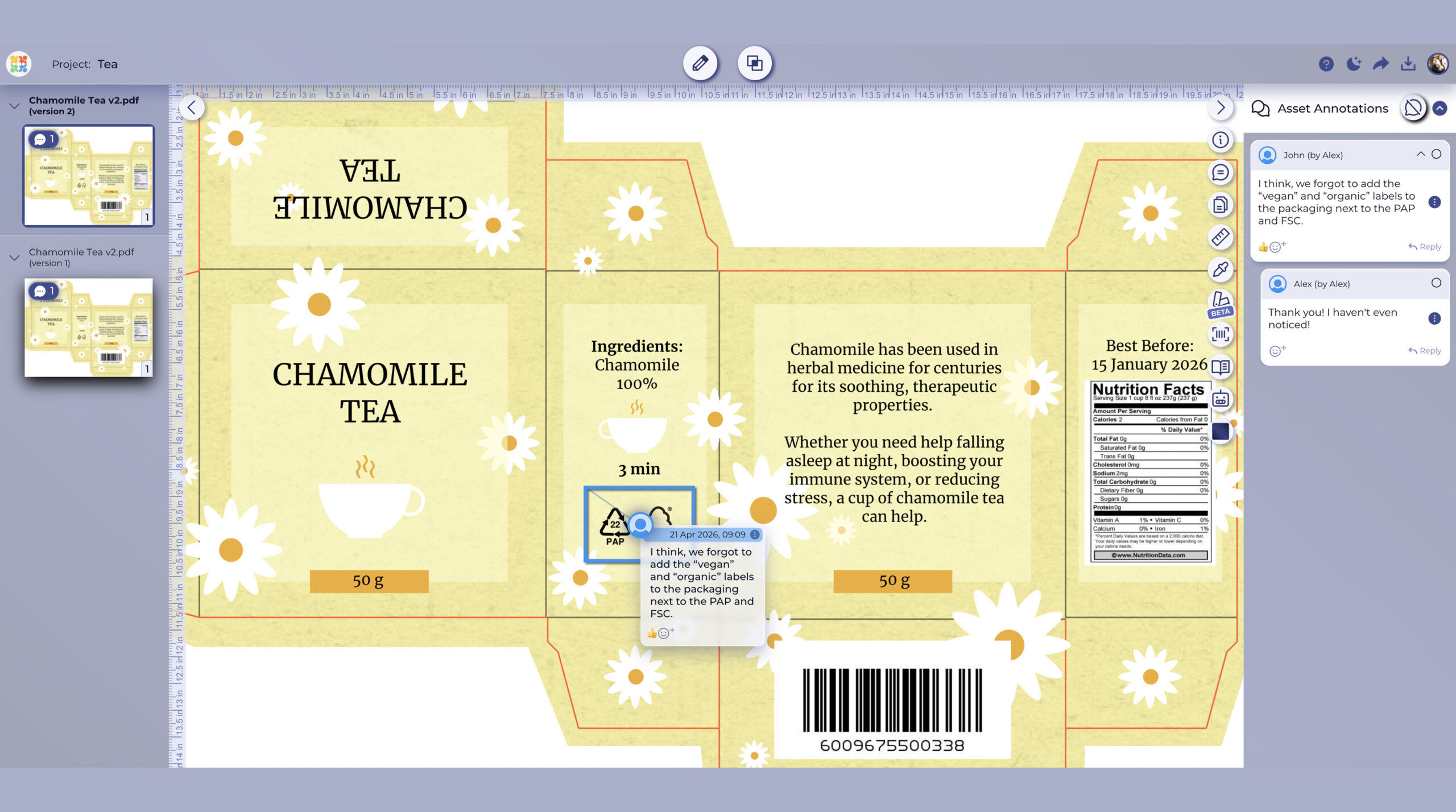
Packaging design is one of the main Approval Studio profiles, and we offer a powerful online review tool that helps you get packaging design feedback directly on your AI, TIFF, and PDF files.
Every revision cycle might start the same way, but the feedback comes back everywhere except on the file: email, screenshots, Slack threads, phone calls, verbal commentary… Packaging design feedback fails because it happens in the wrong place. Let's see what changes when it doesn't:
← Drag to compare →
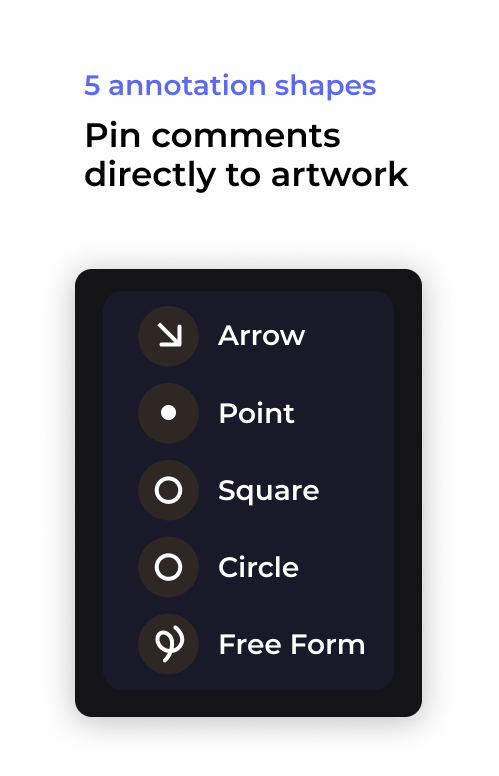


Packaging design doesn’t end with approval. After it leaves a review tool, a whole new process starts. Here’s a full walkthrough of the prepress stages from file prep to handoff to print.
Who Needs a Packaging Artwork Feedback Tool?
If you’re running three client accounts alone and feedback arrives from different stakeholders in different formats, Approval Studio can give each of them one place to annotate. As a result, you get pinned comments on the artwork instead of a 14-email thread.
If your team handles 20 packaging briefs a month across multiple brands, version history will keep everyone on the same page. Meanwhile, annotations and detailed PDF reports will show exactly what was agreed upon in each round.
per user / month
per user / month
per user / month
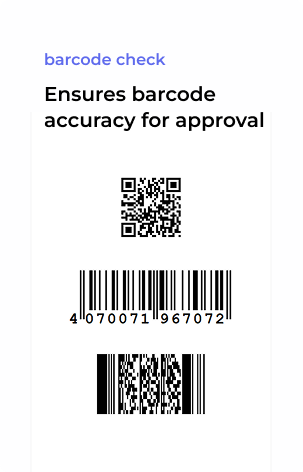
Packaging design proofing is the process of reviewing a packaging artwork file (a label, folding carton, flexible packaging, or box) before it goes to print. It involves checking colour accuracy, typography, barcode validity, and overall design correctness, then collecting feedback and sign-off from all required reviewers. Digital proofing tools replace email-based PDF review by letting reviewers annotate directly on the artwork in a browser, so feedback is precise, attributed, and recorded.
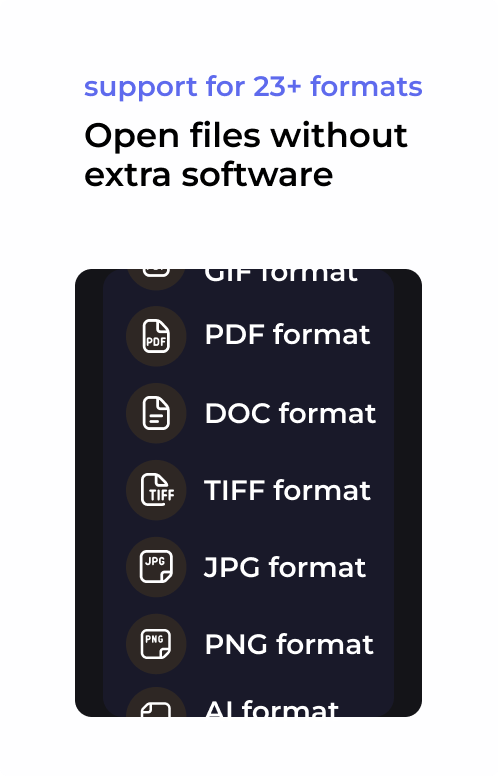
Approval Studio supports the native file formats used in packaging design: AI (Adobe Illustrator), EPS, PSD (Photoshop), PDF, TIFF, JPEG, and PNG. Files are rendered at full resolution in the browser with no flattening, exporting, or plugin installation required before sharing for review. Reviewers see the artwork at full fidelity, including bleed, typography, and colour detail.
Reviewers open the packaging file via a shared link without an account or software installation needed on their end. They use annotation tools to mark up feedback directly on the artwork. Each annotation is timestamped and attributed to the reviewer, so the designer knows exactly who said what and where.
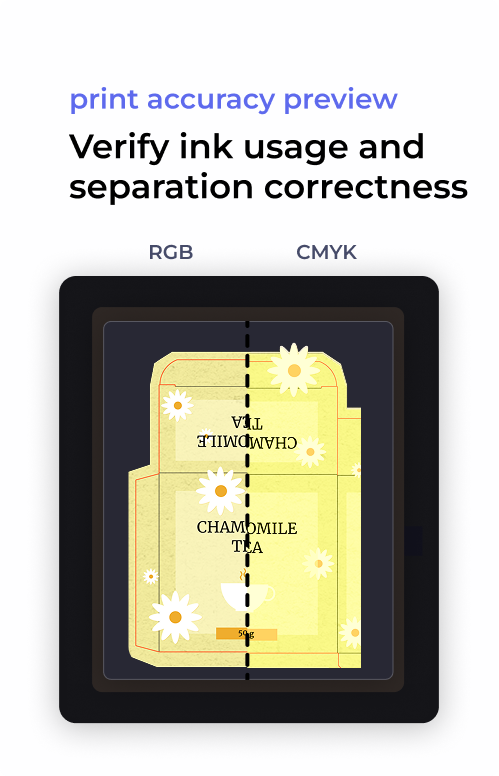
Yes. Approval Studio includes an eyedropper tool that reads live CMYK values from any pixel in the open file, and a colour separation view that lets you preview individual print layers: Cyan, Magenta, Yellow, Black, and spot colours independently. This lets designers and clients verify colour accuracy on screen before approving for print, without switching back to Illustrator or exporting a proof.
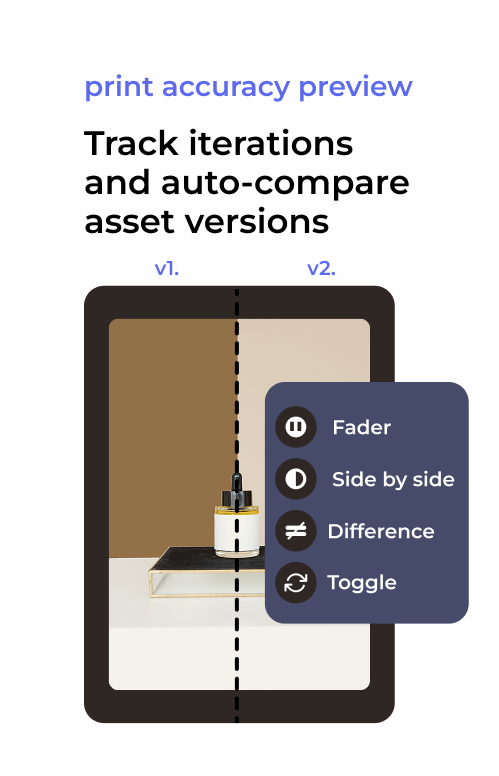
Approval Studio offers four version comparison modes: Toggle (switch between versions instantly), Fader (blend between v1 and v2 with a slider), Difference Highlight (shows only the changed pixels), and Side by Side. These work across any two uploaded versions of the same asset, so you can confirm every requested change was made before sign-off.
No. AI, TIFF, and PDF files are uploaded and rendered directly in the review tool at full resolution. You can even add files directly from Adobe without exporting them first. Reviewers open the file in their browser with no account, plugin, or software installation. The designer uploads once; the review link is shareable with any number of stakeholders. What reviewers see is the actual file and not a flattened screenshot or a compressed export.
Yes. Freelance packaging designers are among the most common Approval Studio users. The Lite plan (from $60/month) supports up to 5 users and includes annotation tools, version history, and shareable review links, which is enough for most freelance packaging workflows. The Pro plan adds colour separation tools, Adobe Creative Cloud integration, and analytics for agencies managing higher volumes.
Packaging design proofing focuses on the review itself: collecting precise, annotated feedback on the artwork file across revision rounds and comparing versions to confirm changes landed. Packaging artwork management is the broader process of routing that artwork through stakeholder approvals, maintaining an audit trail, and managing the full sign-off lifecycle across teams. Approval Studio handles both if you’re looking for process automation and compliance tracking rather than design review tools, see the packaging artwork management page.