
 TEAM SOLUTIONS
 WORKFLOW SOLUTIONS



 REVIEW TOOL
 PROJECT MANAGEMENT
 TOOLS & INTEGRATIONS
 CLIENT INTERVIEWS




Post is also avalible in:


Last Updated: April 2026
The online proofing software niche has grown quite a lot, now offering a huge variety of tools for all shapes and sizes. If you’ve come across Pageproof, loved the idea, but are still unsure about execution, you’ve come to the right place. We’ve tested Pageproof and looked all over for all the information you need to make a decision. And as a little sweet treat, we compared Pageproof features with Approval Studio.
Now, I’ll be upfront: I’m not a neutral party. However, I will try my best to give you an honest feature-by-feature comparison based on our own experience in building a similar software and testing that was done on Pageproof. We will cover pricing, core features, and explore who should use Approval Studio and who’s better off with Pageproof. And if you’re interested, check out our articles comparing Ziflow, Review Studio, QuickReviewer, and GoVisually.
What is Pageproof?
Pageproof is visiting us from sunny New Zealand, where its reputation has spread throughout the world. Truly, Pageproof has earned its place as one of the best online proofing tools (only one of, though) for a reason.
It is designed for mid-to-large marketing teams and agencies that need a broad native integration ecosystem and a budget for enterprise-level solutions. For its money, Pageproof gives you access to a clean, minimal interface where you can improve your approval workflow for digital assets like images, PDFs, videos, audio, websites, and more.
And it offers quite a few integrations for design project management, approval, review, and communication. It is truly worth it for what it’s asking; however, let’s take a deeper look into what Pageproof is offering for each stage of online proofing.
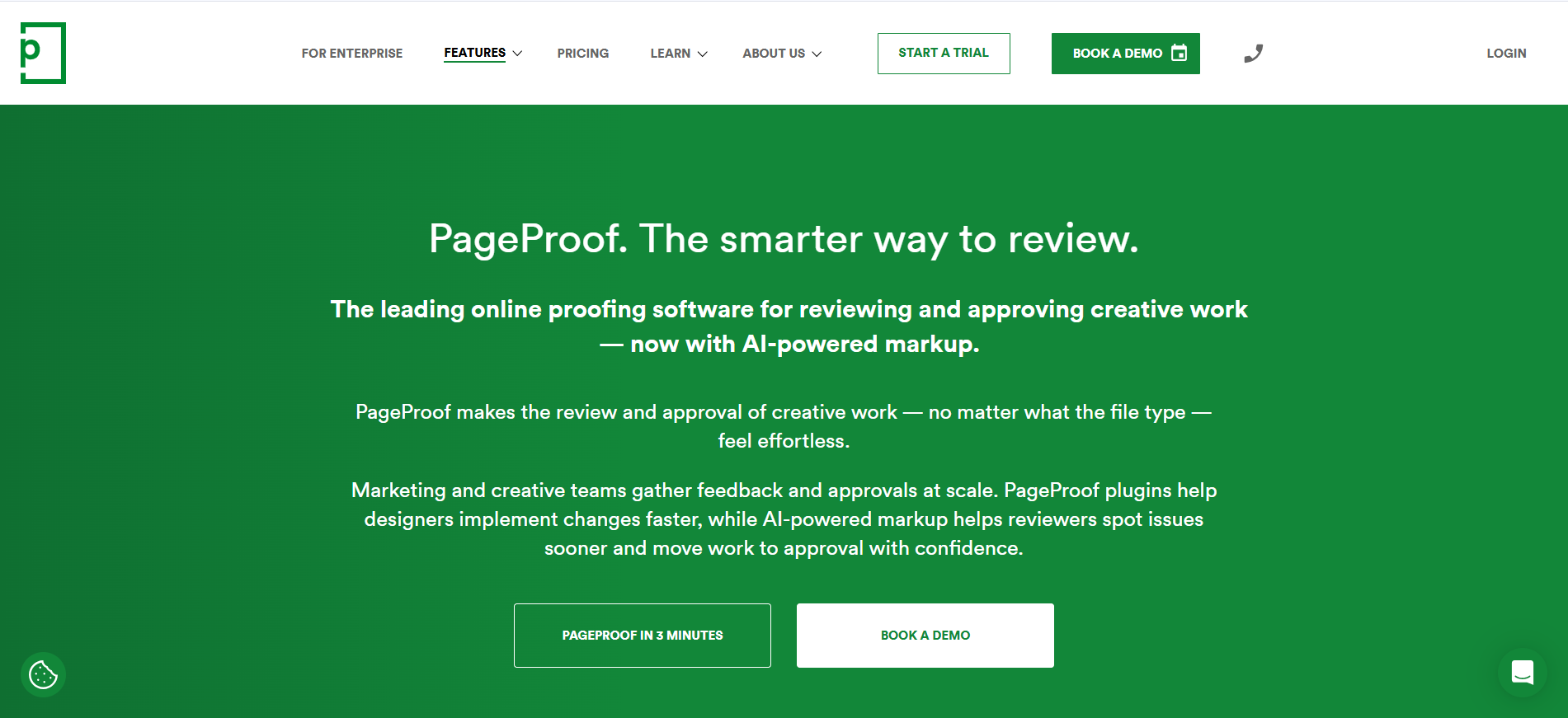
Pageproof features
Similar to what we did with our Ziflow comparison article, we will assess Pageproof among the three most important categories in online proofing: review & proofing, version management, and integrations. For each, I will give my honest opinion.
Review & Proofing
- Proof dashboard with real-time status tracking across all active proofs
- Multi-step review workflows with custom stages and approver roles
- Annotation tools: freehand drawing, highlighter, shapes, and general comments
- PageProof X-Tools: ruler, gridlines, focus mode, color and font analysis, automatic link checking
- Video proofing with time-coded annotations
- Audio proofing
- Website URL proofing (a genuine differentiator)
- 3D content and interactive PDF proofing
- Desktop apps for Windows and Mac
Honest review: PageProof’s review interface is genuinely polished, arguably one of the cleanest in the category, and that says something when most tools’ biggest disadvantage is the clunky UI. The X-Tools (ruler, color analysis, link checking) add real utility without cluttering the screen. The notable gap is real-time collaboration: multiple reviewers working simultaneously don’t see each other’s comments live without a refresh. For teams with tight deadlines where everyone reviews at once, that async nature creates friction.
Approval Studio features
Approval Studio is another online proofing tool that works so your review & proofing process is as easy as it gets. There are differences, but mostly in the overall feel of the system rather than in tools. Here they are across three categories:Review & Proofing
I love reviewing in Approval Studio, and here’s why:- New clients get a short walkthrough the first time they enter the platform
- Intuitive UI with clearly visible Approve/Reject buttons
- Reviewer invitations via a short link or customizable email, including for external reviewers without an account
- Live discussions: comment, react, attach files
- Real-time chat built into the review tool, with no page refresh required
- Five different annotation shapes
- Extra built-in tools: color separation viewer, barcode reader, ruler, spellchecker, checklist and AI assistant
- Customizable kanban board, alongside several other dashboard views
- Trigger-based workflows
Version Management
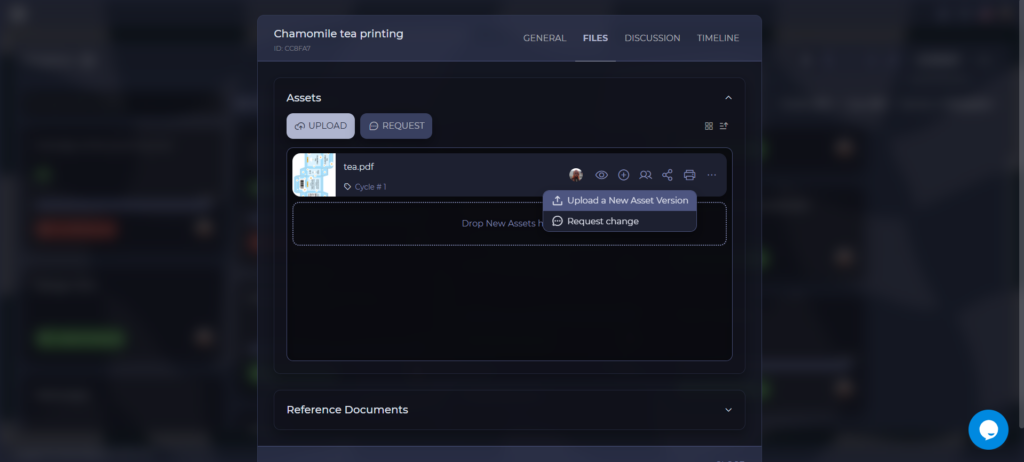
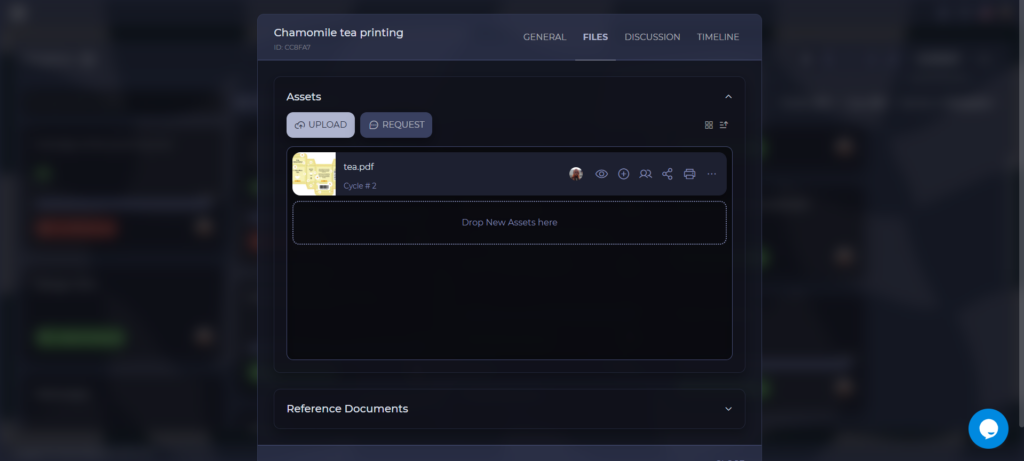
Versioning files in Approval Studio is easy: all you have to do is upload a file, and boom, all the work is done for you automatically! But that’s not all:- Digital Asset Library (DAL): one central place to store all your assets
- Automated file versioning
- Four compare modes: Side-by-Side, Fader, Difference, and Toggle
- Timeline: Every action taken on a project is automatically recorded
- Proof report: a detailed record for a specific asset across all its versions
Integrations
Approval Studio also has a range of integrations, most of which are available starting from the PRO plan (except for Slack integration, which can be activated in Lite as well).- Shopify integration, ideal for e-commerce creative approval workflows
- Adobe Creative Cloud
- Slack
- Zapier
- REST and GraphQL API
- MCP server for n8n, Make, or AI-agent integration
Who should choose Pageproof?
We’ve been comparing the two for long enough, and I understand that your head might be turning right now. So, let me make it easier for you. I’ve compiled two lists: one for those who should probably choose or switch over from Pageproof to Approval Studio, and another for those whose workflow will fit Pageproof more. So if you see yourself in one of those, you don’t have to think twice.You should choose Pageproof if…
If your team has 30+ active reviewers, PageProof’s unlimited-reviewer model becomes increasingly competitive because you’re not paying per seat as you grow. Pageproof’s plans are pretty similar in their content, but all the basic features AND Pageproof Intelligence are available with any purchase. Your work heavily relies on website or audio proofing. Sure, there are ways to do that differently, but those ways require extra steps. For me, taking a screenshot and uploading it to Approval Studio works fine; however, if that’s a huge part of your online proofing, Pageproof is the way to go. You need native Enterprise integrations like Asana, Microsoft Office, or Figma. Such enterprise tools make the most out of your workflow, and you really need to keep them, but don’t want to deal with the API. In that case, Pageproof works perfectly for your team, with a nice bonus of the integrations being available in all the plans.You should choose Approval Studio if…
First and foremost, you should choose Approval Studio if you need an affordable online proofing tool for a small design team that can do almost everything Pageproof does. As you’ve seen in the table above, the feature list is mostly similar, with Pageproof winning in only a few categories. You have (or plan to have) a Shopify store. Approval Studio has a native Shopify integration that allows you to process all of your orders in the Shopify store, like you would in Approval Studio. It makes a large amount of work more efficient, and allows you to work directly with the assets your clients upload. A huge advantage for big e-commerce shops.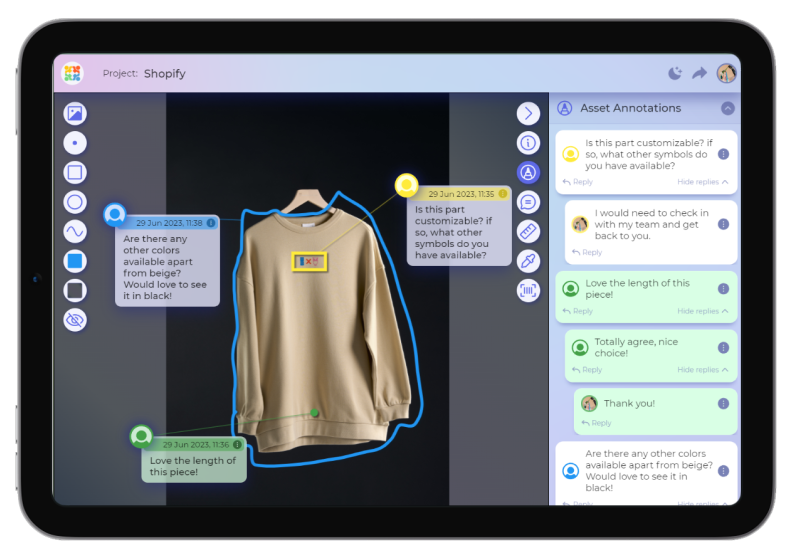 You want to build a next-generation workflow earlier than everyone else. Approval Studio has a native MCP server that allows you to build those modern workflows you’ve heard so much about, now with an online proofing tool. You can connect it to Claude, ChatGPT, to have a thinking assistant that helps you work. Or you can create an intelligent workflow with n8n, Make, etc that will skyrocket that efficiency.
You want all the customization you can get. Approval Studio allows customization left and right. Both client-facing and internal parts of the tool can be changed to your heart’s content. Email logos, text, internal messages, review tool, and dashboard colors, and more.
You want to build a next-generation workflow earlier than everyone else. Approval Studio has a native MCP server that allows you to build those modern workflows you’ve heard so much about, now with an online proofing tool. You can connect it to Claude, ChatGPT, to have a thinking assistant that helps you work. Or you can create an intelligent workflow with n8n, Make, etc that will skyrocket that efficiency.
You want all the customization you can get. Approval Studio allows customization left and right. Both client-facing and internal parts of the tool can be changed to your heart’s content. Email logos, text, internal messages, review tool, and dashboard colors, and more.
