
 TEAM SOLUTIONS
 WORKFLOW SOLUTIONS



 REVIEW TOOL
 PROJECT MANAGEMENT
 TOOLS & INTEGRATIONS
 CLIENT INTERVIEWS






There are a lot of things worse than a website: being hungry, breaking up, and even a dead plant can make your customers’ mood much worse than any website could’ve. However, none of these things are going to influence the decision as much as that last straw of a broken image will.
Yes, having worked in the industry for some time, I have grace for broken images or buttons that lead nowhere. But for an everyday user, this just makes your business feel not good enough to invest their time, money, and attention into. According to Stanford’s Web Credibility Research, 75% of consumers judge a company’s credibility by its website design alone. A broken image is not just a bug and can ruin the first impression. Unless you have something exceptional, that is. But in today’s internet age, exceptionality of a product happens once in a lifetime, and taking chances is not an option.
So, today we’re going to discuss what can help you stop relying on the belief of exceptionality at your work, and start producing what users can trust – great, working websites.
What is a website proofing tool?
To make a working website, you need two people: the person who looks at it while it’s being built, and the person who looks at it after it’s been built. It will come as a surprise to literally no one, but the more you look at something, the less stuff you notice about it. A person working on the same page for 7 hours will see fewer mistakes than someone who just saw it for the first time. And that is what website proofing is. It can happen manually in your environment or using a specialized website review tool.

A website proofing tool lets you load a live page and leave comments right on the element that needs fixing. No screenshots, no “see attached” PDFs, no Slack threads where the context dies three messages in. Your team reviews the real site and approves it in one shared workspace.
Surely, you don’t have to use a specialized tool to review websites. I worked like that for the longest time, and it was okay. I was able to give the designer all the feedback, find all the mistakes, and even remember to check all the viewports. However, then I had to scroll through the screenshot folder, remembering what I meant with each one and trying not to delete the wrong ones before I sent them. That process worked until it randomly didn’t. And, as you’d expect, Murphy’s law worked like clockwork.
What to look for in a website proofing tool?
While website proofing is an integral part of online proofing, and while the basic requirements are pretty similar, there are some specifics that are needed for the entire website review workflow.
You can see what you need for any online proofing tools in our dedicated guide; however, for website review, it’s very important to have these four specific things:
- Live URL loading: so you can see the page as it is
- Viewport switching: so the design stays consistently not broken
- Click-through navigation: so you can verify all the links are correct
- Working on staging/password-protected pages: so you don’t have to check the website after it’s live
$2.41
trillion is the cost of poor software quality in the US.
Source: CISQ (2022) link↗
A website proofing tool catches the stuff your team missed before it becomes a post-launch ticket.
Best website proofing tools at a glance
All pricing is current as of August 2026; verify each tool’s pricing page before committing.
The 9 best website proofing tools in 2026
1. Approval Studio
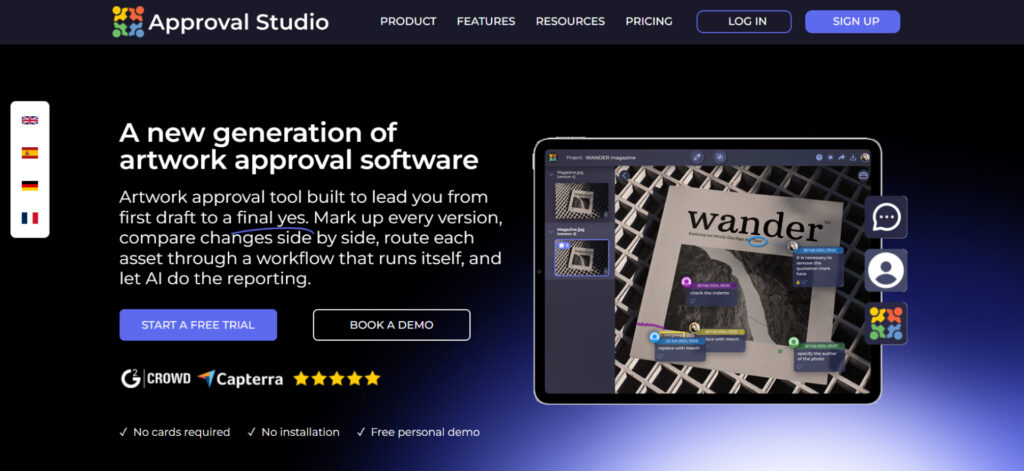
Approval Studio is an established online proofing and artwork approval software that has recently launched a website proofing feature. The creators took everything users loved about static file review and brought it to live websites.
In Approval Studio, you load a live website and share it with anyone who needs to review it. They navigate the site, check interactive elements, and leave feedback directly on the page. Then, switch between viewports and leave comments on each without them ever being stacked onto each other. Then, recapture the site when a new version is out and compare the two without relying on your memory and searching for what exactly you wanted changed.
Who is it for? Creative and marketing teams that need structured approval workflows for website reviews, along with other formats.
+ Full approval workflow with approve/reject/request changes per reviewer
+ 4 compare modes for version comparison (including overlay and side-by-side)
+ Viewport switching between desktop, tablet, and mobile
+ Unlimited reviewers without creating an account
+ Annotations stay tied to specific viewports, never stacked
+ Doesn’t cache your page assets on third-party servers
– Website proofing is a newer feature (the platform itself has been around for years)
– No live CSS editing (you comment on what to change, not change it yourself)
– No permanent free plan (14-day trial)
Pricing: Lite: $60/mo (website proofing as add-on). Pro: $160/mo (website proofing included). Enterprise: $300/mo. 14-day free trial on all plans.
2. Huddlekit
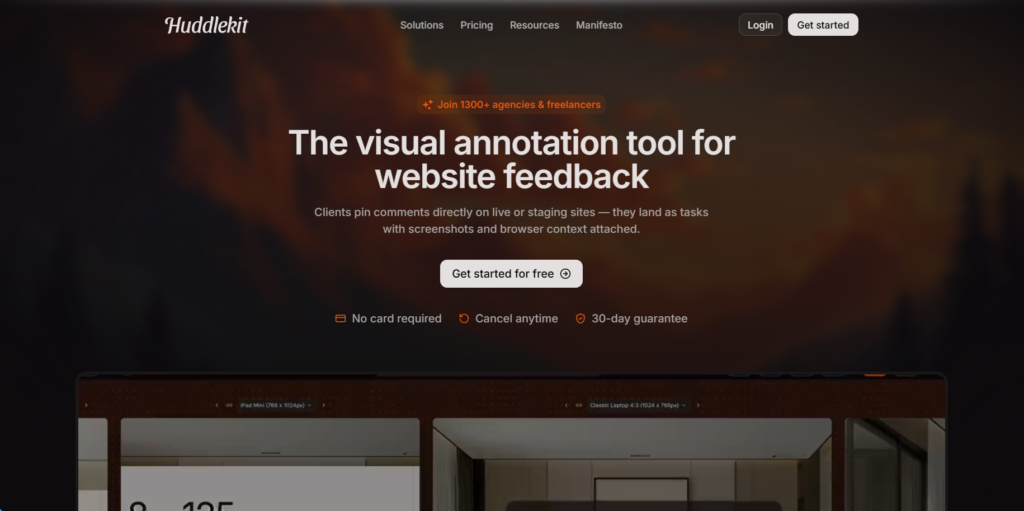
Huddlekit is the newest tool on this list that looks like another simple website feedback tool. However, it can offer quite a few unique features you cannot find anywhere else. For example, when you open Inspect Mode, and it shows you the CSS properties of any element a reviewer clicks on. It’s not as deep as a full proofing platform with staged approvals, but for quick client reviews, it does the job without the overhead.
Who is it for? Freelancers and small teams who need fast, no-friction client feedback without the enterprise price tag.
+ No account required for reviewers
+ Inspect Mode shows CSS properties of any element
+ Canvas View for side-by-side responsive comparison
+ Most affordable paid plan on this list
– No formal approval/reject workflow
– Smaller feature set compared to full proofing platforms
– Relatively new tool with a smaller user base
Pricing: Free plan (unlimited projects, 3 members). Pro: $16/mo (annual). Business: contact for pricing.
3. Ziflow
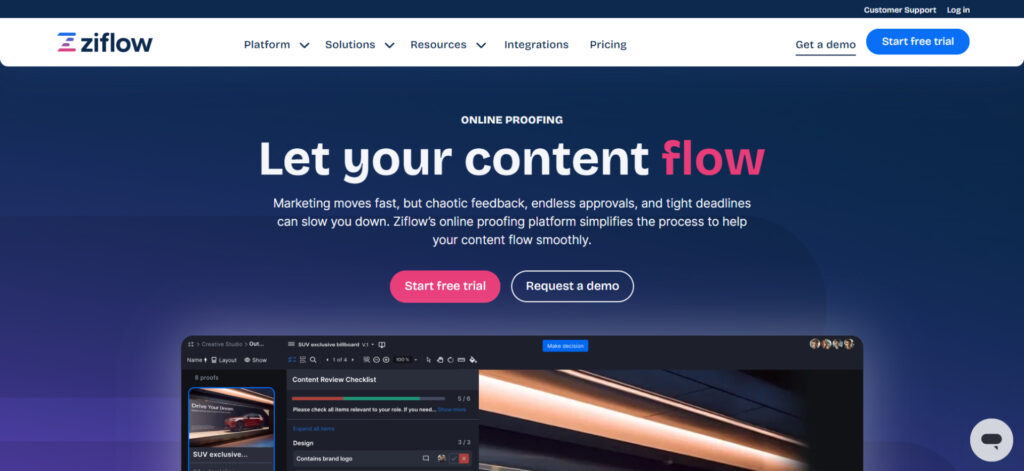
Ziflow is the tool you bring in when your review process involves more people than a group chat can handle. It’s an enterprise proofing platform that treats website review as one of many content types it manages, alongside images, videos, PDFs, and everything else your team produces. The trade-off is complexity. Ziflow is built for reviews as part of a multi-stage approval process with compliance, legal, or multiple departments.
Who is it for? Enterprise teams with structured, multi-stage approval workflows who also need website review.
+ Automated reviewer routing and workflow stages
+ Supports virtually every content type alongside websites
+ Granular permission and role management
+ Free plan available (2 users)
– Steep learning curve for small teams
– Website proofing feels like an add-on, not the focus
Pricing: Free plan (2 users, limited). Standard: $199/mo (annual). Pro: $329/mo (annual). Enterprise: custom.
4. ReviewStudio
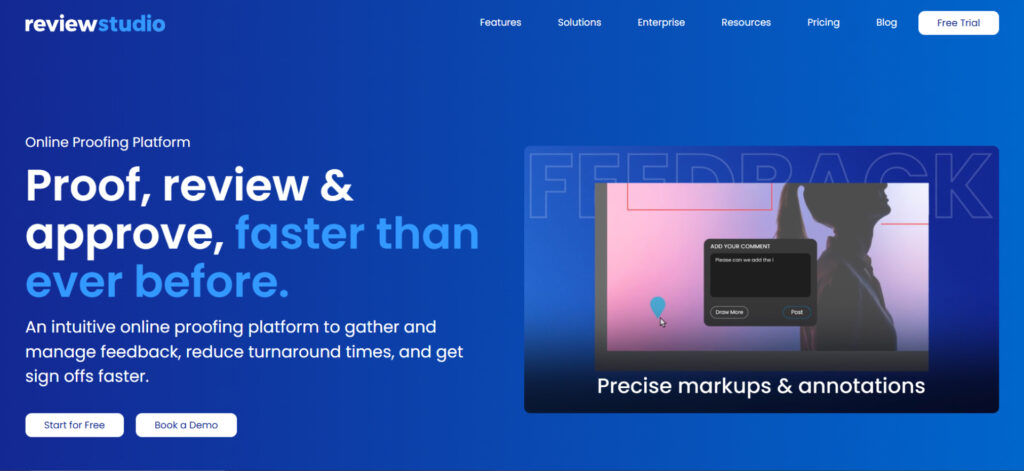
ReviewStudio is known for its multi-format review. You can throw a website, a video, a PDF, and a design file into the same project and review all of them in one place. For agencies juggling campaigns that include a landing page, a hero video, and six banner variations, that is not a small thing. For website proofing, ReviewStudio supports live web review alongside URL capture and HTML ZIP upload. The free plan gives you 3 active reviews with unlimited users.
Who is it for? Agencies and studios that review multiple content types (web, video, docs) and want everything in one platform.
+ Reviews web, video, PDF, and docs in one project (100+ formats)
+ Comments convert to tasks with assignees and deadlines
+ Internal vs. external comment visibility (hide client-facing notes from internal team or vice versa)
– Interface feels dated compared to newer tools
– Website proofing is one of many features, not the core focus
– Onboarding takes longer for non-technical reviewers
Pricing: Free plan (unlimited users, 3 reviews). Pro: $15/user/mo ($12/user annual). Advanced: $25/user/mo ($20/user annual). Enterprise: custom.
5. Pastel
Pastel is the tool you recommend to someone who says “I just need my client to look at the page and tell me what’s wrong.” The limitation is that simplicity comes with trade-offs. There’s no approval workflow and no version comparison. Pastel does have responsive preview, but it’s a website feedback tool, not an approval tool. For a lot of freelancers, that distinction doesn’t matter, but if your process has complexity, Pastel cannot support it fully
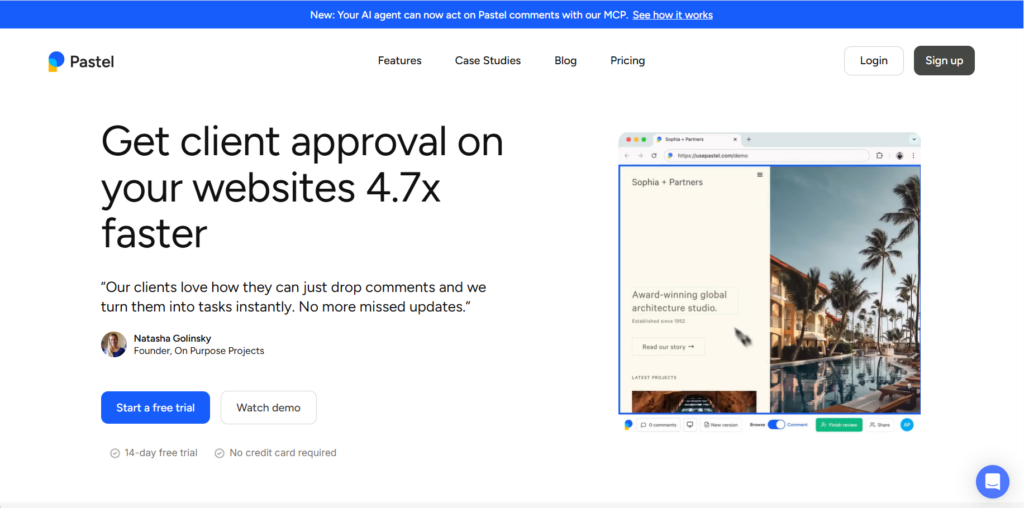
Who is it for? Freelancers and small agency teams who need the fastest path from “here’s the page” to “here’s the feedback.”
+ Simplest click-to-comment experience on this list
+ Real-time copy editing directly on the live page text
+ Responsive preview across desktop, tablet, and mobile
+ MCP support for AI tools like Claude, Cursor, and ChatGPT
– No formal approval/reject workflow
– Comments on the free plan expire after 72 hours
– No version comparison between page captures
Pricing: Free (1 canvas, comments expire after 72 hours). Solo: $35/mo. Team: contact for pricing.
6. Ruttl
Ruttl is the only tool on this list that lets reviewers edit the page. Not just comment on it. Actually change the CSS, swap out text, adjust colors, and show you exactly what they mean instead of spending three messages trying to describe it. You’ve got comment mode for annotations and Edit mode for real-time visual changes. A designer can move elements around, change a font size, tweak padding, and save that as a change request with exact CSS values attached.
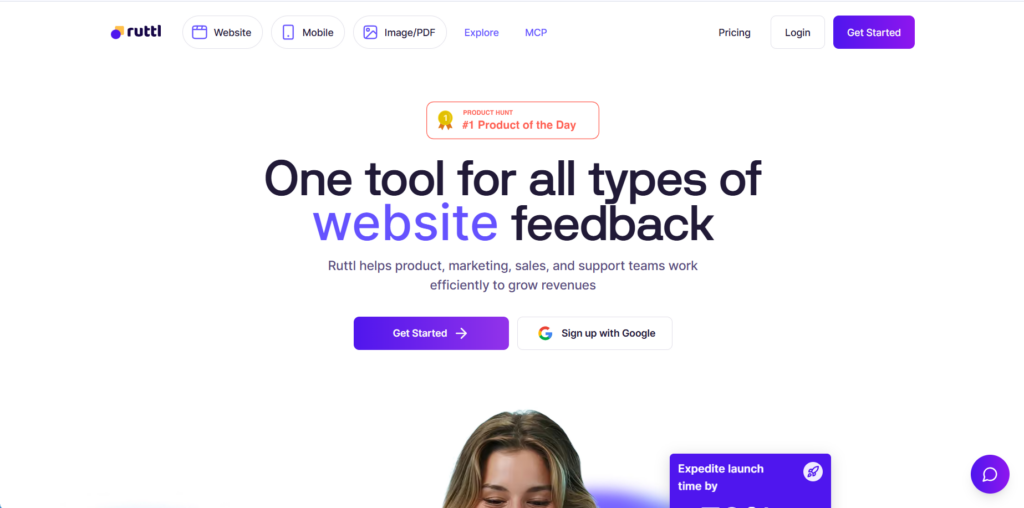
Who is it for? Design teams and developers who want to show the change, not describe it.
+ Live CSS editing directly on the page (unique on this list)
+ Exact CSS values captured and exportable for developers
+ Comment mode + Edit mode in one tool
+ Replace images and swap text on the live page to show, not describe, changes
– Edit mode can break on complex JavaScript-heavy pages
– Limited to one project on the free plan
– Chrome extension required for auth-protected sites
Pricing: Free plan (up to 5 users, 1 project). Pro: $18/mo/user. Business: custom pricing (contact sales).
7. Markup.io
Markup.io is a website annotation tool that does only what the name suggests. You paste a URL, and you mark it up. This happens without a workflow engine, staged approvals, or automated routing. You load a page, you leave comments, you share the link. There’s also a Chrome extension if you prefer annotating directly in your browser without switching to a separate app.
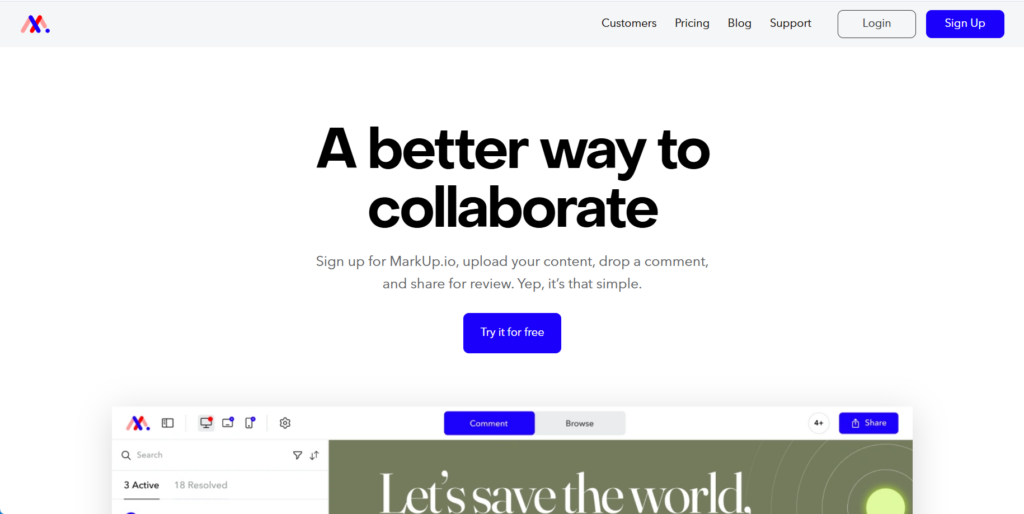
Who is it for? Teams that need straightforward website annotation without the overhead of a full proofing platform.
+ Clean Browse mode
+ Comment mode toggle
+ Chrome extension for annotating directly in the browse
+ Unlimited collaborators on the Pro plan as guests or team members
– No formal approval workflow
– No version comparison or recapture
– Fewer integrations than larger platforms
– No viewport switching for responsive testing
Pricing: 14-day free trial. Pro: $79/mo (unlimited users). Enterprise: custom.
8. PageProof
PageProof is the tool you pick when your compliance team…well, is a team and not just one person. If your team works in regulated industries, handles sensitive pre-launch content, or needs audit trails that prove who approved what, PageProof answers those questions before anything else. For website proofing, you paste URLs in the dashboard and PageProof loads them through a proxy. Here’s the setup cost: you need their browser extension or Desktop app to annotate. The site also needs to allow *.pageproof.com in its X-Frame-Options header, which means your dev team has to whitelist PageProof before reviewers can use it.
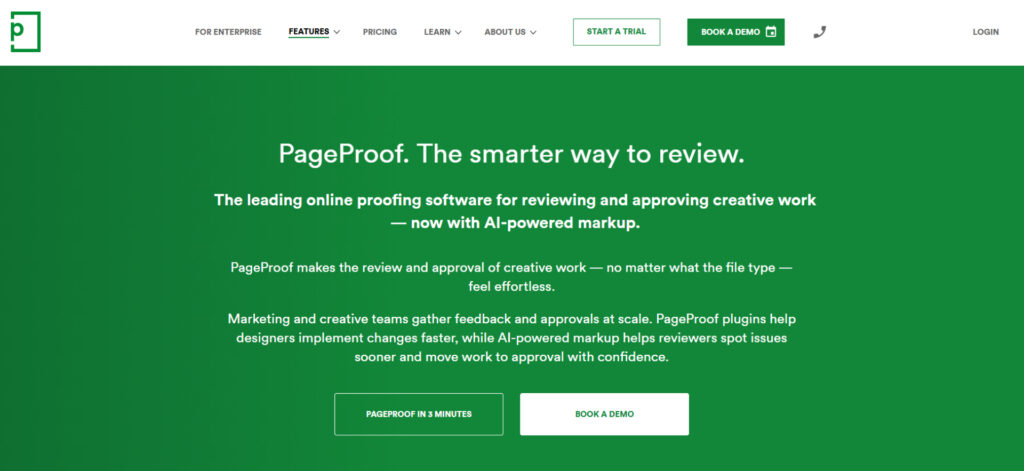
Who is it for? Agencies and marketing teams in regulated industries that need security, audit trails, and structured approvals.
+ PageProof Intelligence (AI that flags potential issues before reviewers even start)
+ Automated reviewer reminders with configurable escalation
+ Decision thresholds that lock approvals until enough reviewers sign off
+ ISO 27001 certified with patented triple-layer encryption
– Requires browser extension or Desktop app for annotation
– Sites must whitelist *.pageproof.com in X-Frame-Options
– Setup requires dev involvement before reviewers can start
Pricing: Team: $249/mo. Enterprise: custom pricing. Free trial available.
9. Filestage
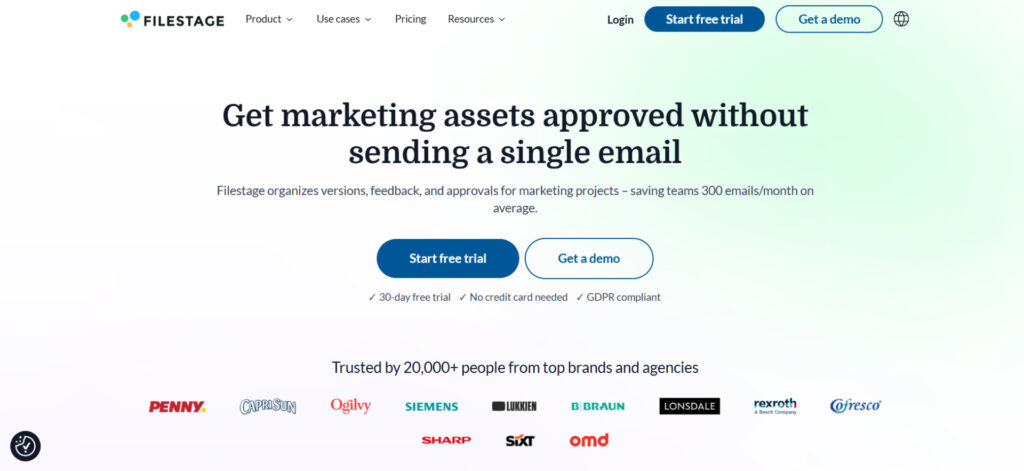
Filestage is built for the “this needs to go through seven people before it can go live” scenario. It’s a multi-stakeholder approval platform where website proofing is one content type in a larger pipeline. It updates as the site changes, which means nobody is ever annotating a version that’s already outdated. However, as with all online proofing tools here, it’s a platform that happens to support websites, not a website proofing tool that happens to have approvals.
Who is it for? Teams with complex, multi-stage approval processes who want website review inside their existing content workflow.
+ Multi-stage approval chains with automatic routing
+ Draw, highlight, and strikethrough annotations directly on the page
+ Integrates with Slack, Jira, Figma, Adobe Premiere Pro/InDesign/After Effects, and Google Drive
+ Review Agents flag errors and brand inconsistencies before reviewers start
– Website proofing is a secondary feature, not the core product
– Interface can feel heavy for simple web reviews
– No viewport switching for responsive testing within the tool
Pricing: Free plan (1 project, 5 files/mo). Starter: ~$199/mo. Pro and Enterprise: custom.
How to choose the right website proofing tool?
If that’s a lot to swallow, I understand. Nine tools, all of which technically let you paste a URL and leave comments. But they are variations for a reason, and each one leans into a different part of the workflow.
Here’s the fastest way to narrow it down. Ask yourself what you actually need:
“I need structured approvals with version tracking.” Approval Studio, Ziflow, or Filestage. These are proper proofing platforms where feedback follows a workflow, not a thread.
“I need my client to click a link and leave feedback. That’s it.” Pastel or Huddlekit. Minimal friction, no accounts, no learning curve. Done in minutes.
“I need to review websites alongside videos, PDFs, and design files.” ReviewStudio or Filestage. Both handle multiple content types in one project.
“I want reviewers to show me the change, not describe it.” Ruttl. The live CSS editing is unique on this list and saves the “what do you mean by ‘a bit more space’?” conversation entirely.
“Security and audit trails are non-negotiable.” PageProof. Built for regulated industries where “I think it was approved” doesn’t fly.
“I need something quick and cheap.” Huddlekit at $16/mo or Ruttl at $18/mo/user are the most affordable paid options. Both have free plans.
If none of these fit perfectly, keep in mind that some of these website feedback tools overlap. A tool that’s great for client reviews might also handle internal approvals well enough. Start with the comparison table above, eliminate anything that doesn’t match your must-haves, and test two or three before committing. Most have free plans or trials.
Final thoughts
Every tool on this list will let you stop screenshotting web pages and pasting them into Google Docs with red arrows. That bar is low. The real question is whether you need a commenting tool or an approval tool, because those are two different things wearing similar interfaces.
If your feedback process ends at “here’s what I think,” the simpler tools on this list will serve you well. If your process needs to end at “this is approved, here’s the audit trail, ship it,” you need the ones with structured workflows.
We built website proofing in Approval Studio for teams in that second category. If that sounds like yours, the 14-day trial is free and takes about two minutes to set up.
