TEAM SOLUTIONS
 WORKFLOW SOLUTIONS



 REVIEW TOOL
 PROJECT MANAGEMENT
 TOOLS & INTEGRATIONS
 CLIENT INTERVIEWS






Last updated: September 2026
Being a freelance designer (or running a one-person design business) is hard enough as it is. You wake up, fight for clients, then fight with them, do some admin work, and, if you’re lucky, get an interesting project at the end of the day. And while I don’t know who can make everything easier, I can confirm there’s a way to fight with clients less and enjoy your design work much more.
And this way is much more accessible than the industry taught you to believe. Let’s look at the top 6 free online proofing software tools and what they offer.
Why online proofing software?
Online proofing software is a specialized tool that improves the feedback and approval cycle by creating a dedicated space for sharing work with clients, allowing them to leave feedback directly on the artwork, managing approval cycles, and getting structured approvals.
These tools have been popular, especially post-pandemic, because they eliminate the email back-and-forth that comes with every approval cycle. And in most creative workflows, you’ve got several projects running at once and the chaos grows exponentially.
Online proofing covers almost every design aspect, from creative assets and design work to packaging and artwork to even marketing and live website review. Because each of these industries eventually needs an on-point comment and a clear stamp of approval.

However, online proofing tools are more of an enterprise solution. Mostly because these tools were built for teams, and naturally come with everything a team will eventually need: project management, task assignment, user roles, compliance tools, or AI. And all that functionality comes with a price tag that’s not always affordable for smaller teams or freelancers.
What makes free online proofing software useful?
And here’s where free online proofing software helps teams that need the structure in their online proofing process but cannot afford to pay for (or to learn) an entire enterprise-level tool.
Across the market, there are a couple of free options available. But before we start looking into them, let’s define what a “free” tool is. For the purposes of this article, a “free” tool does not require any payment to do basic feedback and approval loops. You can upload a file, send it to as many reviewers as you wish, annotate it, and get it approved without entering a credit card. Sounds basic? Sure, but that’s exactly what you need if you have a simple workflow or want to test what online proofing is. So what is the list of things you have to keep in mind when choosing a free online proofing tool?
- File and storage limits: models vary here; some allow limited storage, some work with active files or projects. Audit your workflow to understand which system is best for you
- Supported file types: depending on the tool, the file types might vary between paid and free versions; verify the file types beforehand to make sure the tool has all you need
- Reviewer access: external reviewers should be able to access without creating an account, and it’s a hard rule. Your clients shouldn’t be inconvenienced for a one-time review.
- Annotation tools: that’s what we’re here for. The tool has to have at least one way to leave feedback on the design and comment as much as they want
- Compare mode: kicks off our optional but useful category. Both you and the reviewer should be able to compare different versions of the file.
- Mobile accessibility: people are mostly on their phones now, so they have to be able to access the tool from the phone (app or just a mobile-friendly interface)
Best free online proofing software 2026
ExpressReview
ExpressReview is the newest tool on this list, but the company behind it isn’t new to proofing. It’s made by Approval Studio, who’ve been building enterprise proofing software for almost 10 years. ExpressReview uses the same proofing engine without the project management, so you focus on the basics.
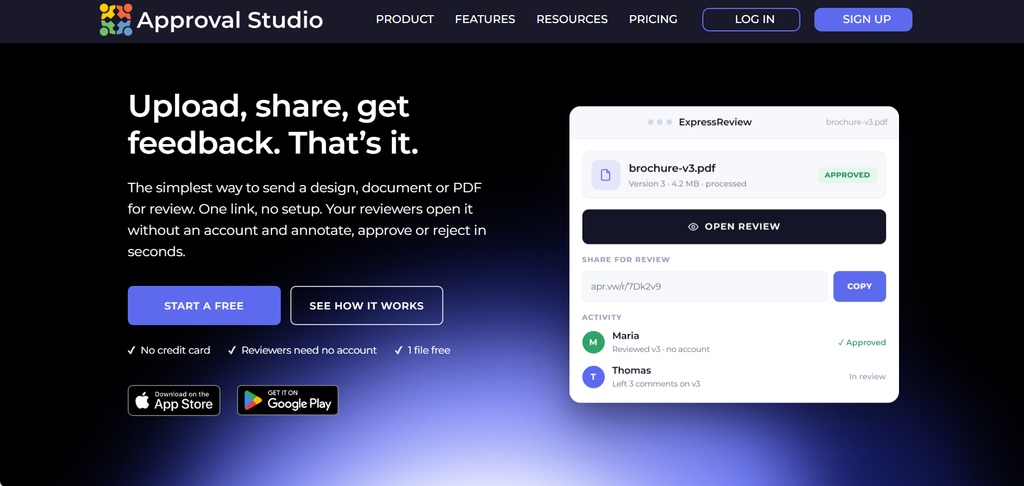
Free plan: 1 active file up to 100 MB, 1 user, 5 annotation tools, 4 compare modes, unlimited reviewers, native iOS and Android apps.
The standout: the mobile app and the review engine. The review tool inside ExpressReview is the same as in Approval Studio, meaning you get the enterprise-level annotation and comparison tools for free. Also, you can switch between web and mobile: upload the design from your phone and send a link that a person can open inside any browser.
The limit: one active file at a time and no persistent storage. ExpressReview is built around a simple loop: upload, review, approve, version, and start the next one. If you have multiple client projects at once, you’ll need to upgrade.
Best for: solo freelancers who live on their phone and need a quick and easy way to approve and move on
WeAproove
If you’ve previously looked for free online proofing tools, chances are you’ve already come across WeAproove and the devastating news about its sunset. However, there isn’t a specific date for the sunset as of now, so WeAproove is still a worthy opponent before it shuts down.
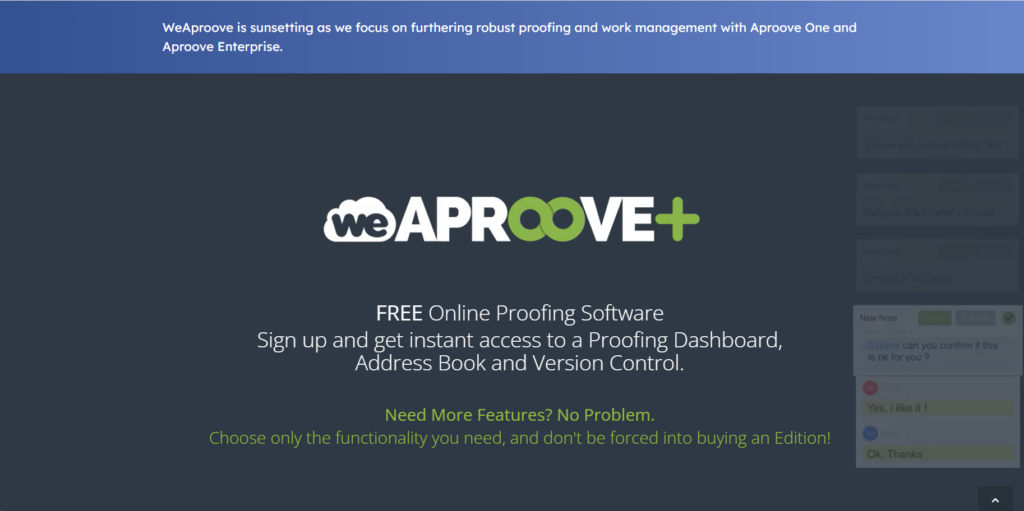
Free plan: 1 proof at a time, 100 pages or 1 video ≤100MB. You can approve documents, images, videos & audio, and web.
The standout: this is the most visible free proofing tool on the market, and it has earned its place with the extensive file coverage, reliability, and, most importantly, the add-on policy for extra features. Surely, you could’ve stayed on the free plan, but you could also add extra storage, users, buy compare modes, etc.
The limit: similar to ExpressReview, WeAproove only allows for one proof at a time with a 100MB cap. But as we discussed previously, it’s a pretty generous offer for static files. The problem starts with video and audio files, where 100MB feels tighter.
Best for: at this point, almost nobody. If you need a one-off review, sure, you can sign up and do it. However, if you’re looking for a tool to learn and keep working with, choosing the one that is sunsetting is not the best idea.
Ashore
Ashore is slightly less popular than other entries in this list, but offers a lot to a casual proofer. Reviews praise it for being simple and to the point, which, as we discussed, is an absolute must for a free online proofing tool. And it allows you to slowly grow into a paid tier, as the jump is not that high.
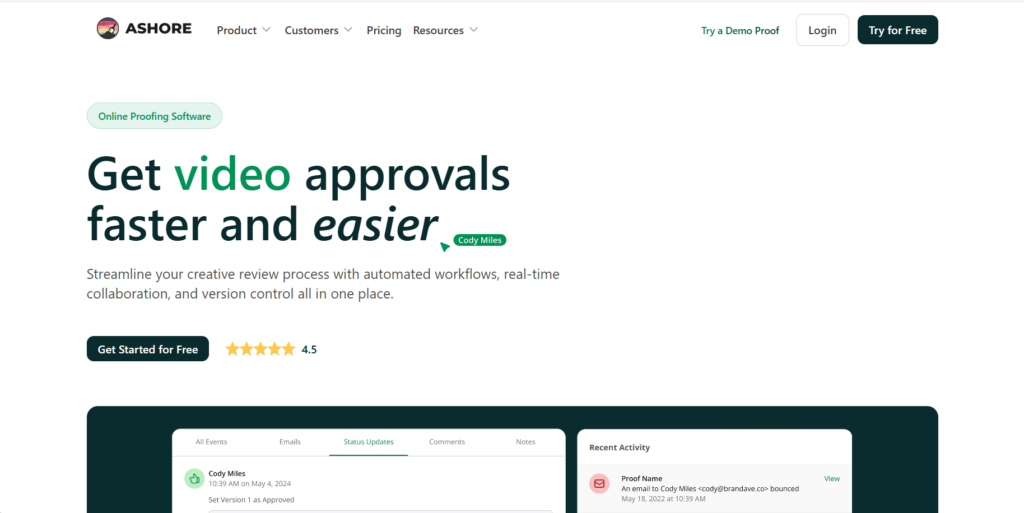
Free plan: send 30 files per month, 1 GB of storage, 1 user, unlimited reviewers.
The standout: It would absolutely be the volume; 1GB of storage is enough to run a small business marketing operation, and you get it for free. The format support also is appealing, offering HTML/audio capture that’s not common at this tier.
The limit: the pricing says that you can send 30 files per month, which can be quite jarring, especially if your process includes many revisions; you can easily waste a fifth of your monthly limit in a week. But for a solo freelancer, that might be plenty.
Best for: freelancers who work across varied formats and want decent storage without paying, as long as their monthly volume stays under 30 proofs
ReviewStudio
ReviewStudio honestly doesn’t show up in the “best proofing tools” roundups as often as it probably should. It has been around for a while and earned its place as Excel in the world of Google Sheets: a little too old but still does its job well.
Free plan: 3 active reviews, 5GB storage, unlimited users and guests, version compare and task management
The standout: the free tier doesn’t feel free. You get three active reviews, unlimited users and reviewers, and 5GB of storage (the most on this list). Additionally, that’s one of the two tools on the list that include user management in the free tier.
The limit: no reporting on the free plan (that can be crucial for teams this tier is directed towards), and the interface is less modern compared to newer tools. It works, and it’s reliable, but if UX polish matters to you, you’ll notice.
Best for: small teams who want the most features out of the free plan and don’t mind a less modern interface
Ziflow
If you’ve ever tried to upload an InDesign file to a proofing tool and been told the format isn’t supported, Ziflow exists to solve that problem. It handles over 1200 file types, has Adobe Creative Cloud plugins, and supports workflows on a free tier.
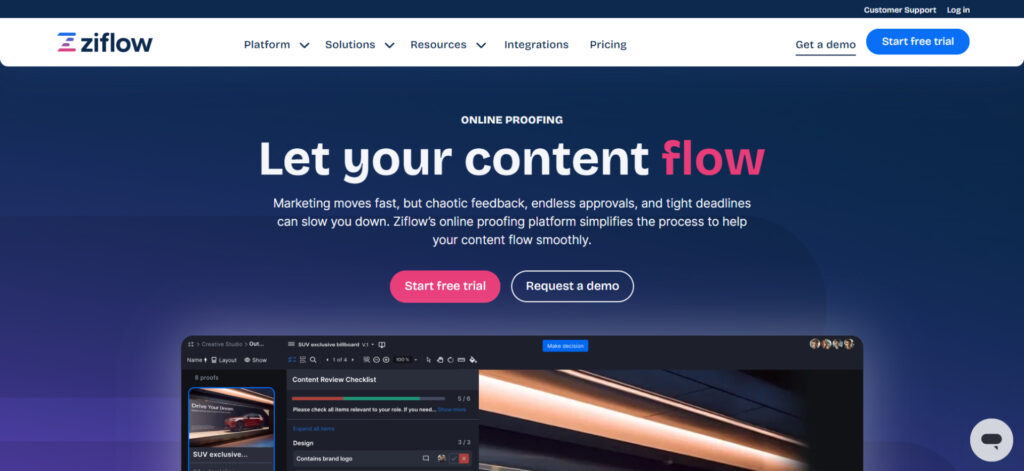
Free plan: unlimited proofs, 2GB storage, 2 users, unlimited reviewers, version comparison, and 1 workflow stage.
The standout: it’s hard to choose, but if I had to, it would be plugins on the free tier and unlimited active reviews or links for free. Then, you have 2 users and a workflow stage that, though small, can automate the most tedious task of the approval process.
The limit: This is the least basic and not the easiest to pick up. Ziflow offers its entire system, so you will have a learning curve, and it will be hard to get off this hook. And then, the jump from free to paid is steep, so you will either be forced to stay within limits that are too small for you or make payments you cannot afford just to learn a completely new system.
Best for: designers who work across many file formats (Adobe, specifically) and want unlimited proofs with a basic workflow.
Filestage
Filestage is another tool that doesn’t assume that you’re working alone, but it does assume you don’t do much unnecessary work in its European fashion. It offers an impressive free tier, along with an even better list of supported formats.
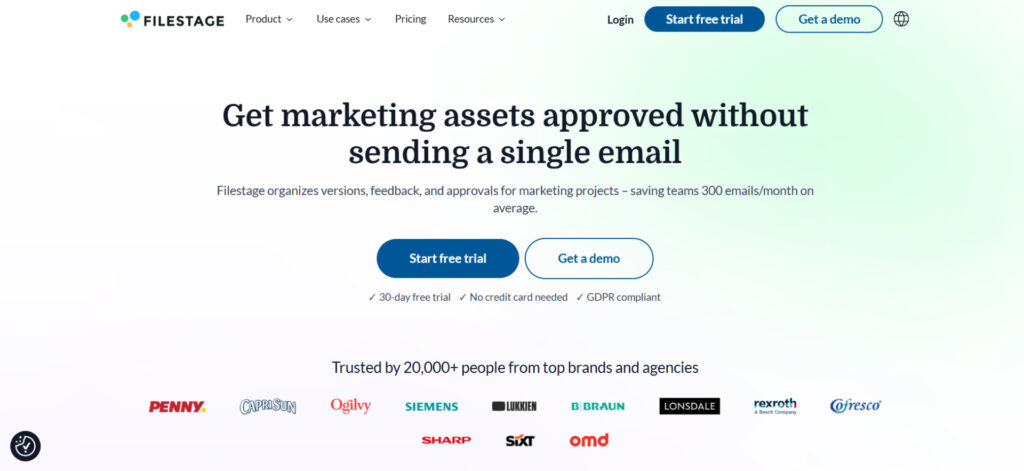
Free plan: 1 active project, 5 files per month, 2 GB storage, 10 users + 2 reviewer groups, unlimited reviewers
The standout: ten users for free. That’s unheard of in the world of free tiers. If you’re an in-house marketing team at a small company, you will all be able to be registered in the system as users and run internal reviews with assigned tasks.
The limit: 5 files per month and 1 active project is tight. You will run into the file cap pretty quickly, especially if you’re doing more than a couple of projects a month. And no version comparison on the free plan means that the full review-to-approval loop won’t stay inside one tool.
Best for: teams who have a lot of recurring reviewers but few review cycles per month
How do these free online proofing tools compare?
Here’s a side-by-side. Every tool on this list offers unlimited free reviewers (so your clients or colleagues don’t need an account to leave feedback), so we focused on the features that set these tools apart.
A few things jump out. ExpressReview is the only option with a native mobile app, and that’s a genuine gap in the market, not a nice-to-have. ReviewStudio has the most generous free tier overall (3 active reviews, 5 GB, unlimited users), but the tradeoff is a less polished experience. Ziflow gives you unlimited proofs and the widest format support, but the free tier feels like a window into an enterprise product. Filestage is the most team-friendly (10 users), but 5 files a month is a real ceiling. And Ashore wins on volume with 30 files, but keeps everything else basic.
There’s no single “best” here. It depends on what your workflow actually looks like.
When is free not enough anymore
Now, let’s be honest about limits, because there are always some when you get a free tool.
If you’re a solo freelancer running one project at a time, free proofing software handles your workflow just fine. Upload, get feedback, approve, archive, rinse, and repeat. The tools on this list are built for exactly that loop.
But you’ll start hitting walls when:
You need multiple active projects. Most free plans cap you at one to three. If you’re juggling five clients at once, you’re constantly archiving and re-uploading (or paying ReviewStudio’s upgrade price for the privilege of more slots).
Your team grows. The moment you need internal reviews before client reviews, task assignment, or role-based access, you’re looking at paid features. Filestage gives you 10 free users, but with a 5-file monthly cap. The rest limit you to 1-2 users.
You need workflow control. Sequential approvals (designer to manager to client), automated reminders, audit trails. Only Ziflow and ReviewStudio offer even basic workflow on free plans, and it’s limited.
Storage becomes an issue. Free storage ranges from zero (ExpressReview) to 5 GB (ReviewStudio). A few rounds of high-res print files and you’re done.

When that happens, you’ve got two paths. If you’re still mostly solo but need more room, upgrading to a paid plan on any of the tools above is the lightest step. ExpressReview’s $9.99/month gets you unlimited active files for less than a coffee subscription.
If you’ve genuinely outgrown solo proofing and need a platform that handles teams, projects, and compliance, our full online proofing software roundup compares the enterprise-grade tools properly.
Final thoughts
The free online proofing software space is smaller than you’d think, and it just got smaller with WeAproove shutting down. But the tools that remain give solo designers a real way to stop managing feedback over email and start getting structured approvals.
If you want to try what proofing actually feels like without committing to anything, start with ExpressReview. No credit card, no time limit, and you can be collecting feedback in about two minutes.