How it works

From file to feedback — in four steps

ExpressReview strips proofing down to its essence: upload a file, share one link, collect feedback, repeat. No projects, no setup, no account for your reviewers.

Start free
1

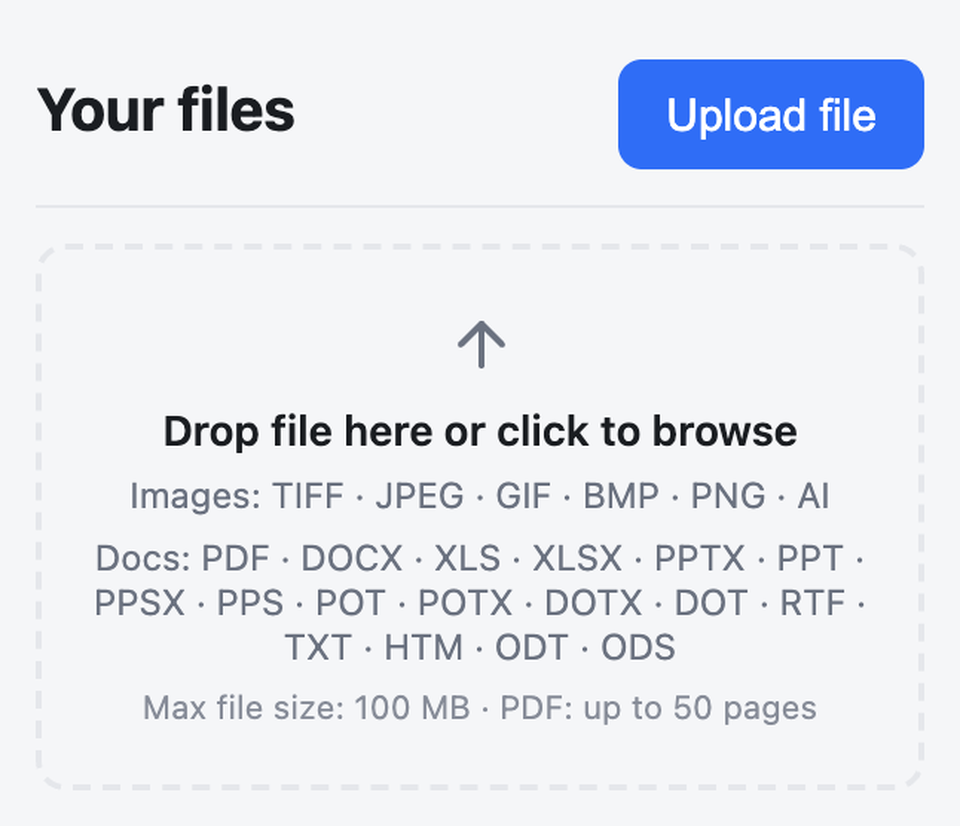
Upload your file

Sign up and your workspace is ready instantly — no project to configure. Drag in an image, PDF or Office document and Express prepares it for review.

  • Images, PDFs and Office documents
  • Up to 100 MB per file
  • Processing happens automatically
2

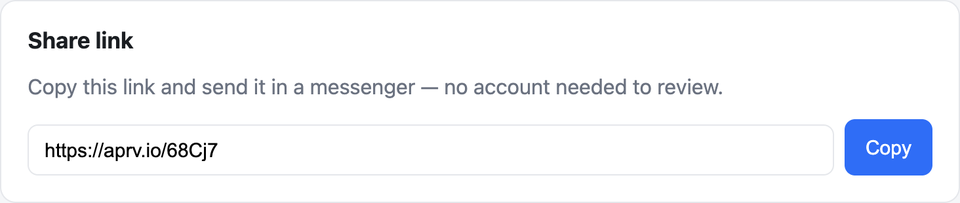
Share one link

Express gives you a single anonymous review link. Send it however you already talk to your clients and teammates — a fresh link is generated for every version.

  • Share via any messenger or email
  • Forward-safe — reviewers enter their name
  • New link per version, by design
3

Collect feedback

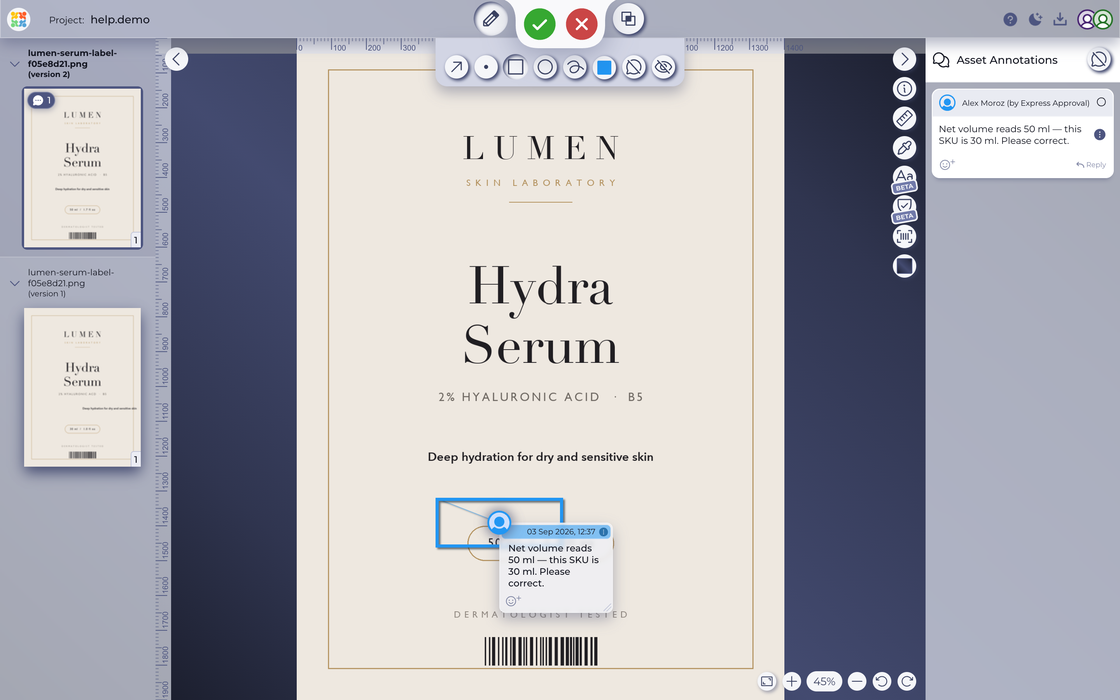
Your reviewer opens the link in any browser — no account, no install — and gets the full Approval Studio review tool. They annotate, comment and make a decision.

  • 5 annotation tools & threaded comments
  • Approve or request changes
  • Works on desktop, tablet and phone
Try the live review tool →
4

Upload the next version

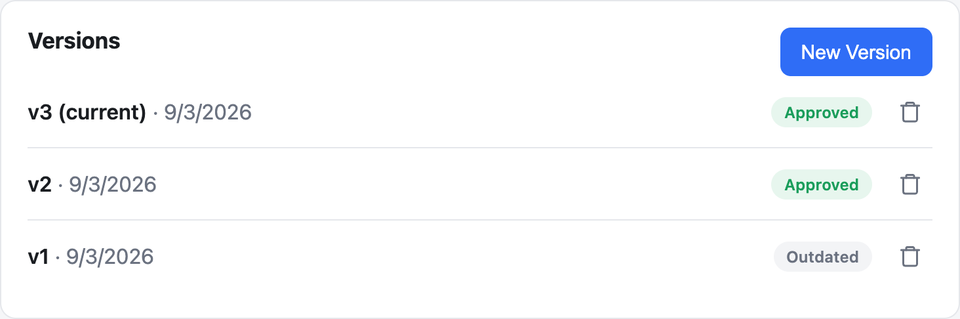
See each reviewer's status at a glance, then upload a new version when changes come in. Older versions are kept in the history so nothing gets lost.

  • Clear status for every version
  • Full version history retained
  • Repeat the loop until it's approved
Inside the review tool

Everything your reviewers can do

See it for yourself — open a live sample in the review tool, no sign-up needed.

Try the live demo

Annotate precisely

Point, box, circle, arrow and freehand tools — with colour-coded, threaded comments.

Compare versions

Four modes — side-by-side, difference, fader and toggle — to spot exactly what changed.

Check the detail

Eyedropper with RGB, CMYK and Pantone values, plus a measure ruler and background picker.

Discuss in context

A live discussion thread keeps every reviewer's feedback together in one place.

Make a decision

Reviewers approve or request changes, so you always know where each version stands.

Review anywhere

The same tool runs in any browser — desktop, tablet or phone — with no app to install.

The Express advantage

An enterprise-grade review tool — in a dead-simple wrapper

Your reviewers never sign up, never install anything, and never see the complexity. They just open the link and give feedback — that's the whole point.

Frequently asked questions

How quickly do I get a review link?

As soon as your file finishes processing — usually seconds. Copy the link and share it however you already talk to your clients and teammates.

Can reviewers approve or reject the file?

Yes. Reviewers annotate and comment, then approve or request changes, so you always know exactly where each version stands.

Can several people review the same link?

Yes — share one link with as many reviewers as you like. Each one enters their name, and their feedback is kept together in the review tool.

What happens when I upload a new version?

ExpressReview generates a fresh link for the new version and keeps the full history, so earlier rounds of feedback are never lost.

Do reviewers need to install anything?

No. The review tool runs in any browser on desktop, tablet or phone — no account and no install. Native iOS and Android apps are available if you prefer.

Send your first file for review

Free to start, free for everyone who reviews. No credit card, no setup.

Or get the app